


Marketing agency project management software is a tool built to help agencies manage recurring client deliverables (social posts, blog content, SEO audits, email campaigns) across multiple retainer accounts.
Unlike generic PM tools designed for finite projects, the best options for marketing agencies handle retainer tracking, content calendars, time logging per deliverable type, and client-facing reporting.
Here's the thing most project management tools get wrong about marketing agencies: the work never finishes.
Agency work isn't building an app with a launch date or constructing a building with a certificate of occupancy. It's running retainers. Monthly social calendars. Weekly blog posts. Quarterly SEO audits. Email campaigns that cycle every two weeks. The deliverables repeat, the clients stay, and the scope quietly creeps upward every month.
I learned this the hard way managing eight retainer clients at once. Every client had a mix of recurring deliverables (social, content, sometimes paid media) and the occasional one-off project. I was using a PM tool that wanted me to create discrete "projects" for each engagement.
By month three, I had 40+ projects in the sidebar. Half of them were duplicates because I'd created a new project each month for the same recurring work. The other half were abandoned because I forgot they existed. I couldn't tell you who was behind on deliverables without opening six tabs and cross-referencing a spreadsheet. It was a mess.
So I started over. I tested nearly every tool on the market. And I learned that the right project management software for a marketing agency looks nothing like what works for a product team or a construction crew.
This guide covers what I found: what features actually matter, which tools deliver them, and where every option falls short.
If you're running a different type of shop, see the guides for creative agency project management software or advertising agency project management software instead.
Why marketing agencies outgrow generic project management tools
If you've been through the cycle I described above, you're not alone. Marketing agencies have a specific set of needs that most PM tools were never designed to address. Here's why generic tools keep failing us.
Retainer work is not project work
A "project" has a start date, an end date, and a defined scope. Retainer work has none of those things. Your client pays you monthly for an ongoing set of deliverables, and the work repeats with variations.
Most PM tools force you to shoehorn this into their project model, which means either creating new projects every month (cluttering everything) or treating a retainer as one giant never-ending project (making progress tracking meaningless).
As I covered in the article on agency project management, the entire concept of a "project" doesn't apply to most agency work. And for marketing agencies specifically, this mismatch is even worse because so much of the work is templated and recurring.
Multiple channels per client
A single marketing client might have you handling social media, blog content, email newsletters, SEO, and paid ads. Each channel has its own cadence, its own deliverables, and its own approval workflow. You need to see all of it in one place per client, not scattered across five different project boards.
Content calendars need client visibility
Marketing agencies live and die by content calendars. But most PM tools treat calendars as internal planning views. Your clients need to see what's coming, approve drafts, and request changes, all without getting a PM tool login and a 20-minute onboarding call. If the calendar isn't shareable with clients in a way they'll actually use, you'll end up duplicating it in a Google Sheet anyway.
Time tracking needs to be per deliverable type
When a client asks "how much time did you spend on social media this month versus blog content?" you need an answer. Generic PM tools track time per task or per project, not per deliverable category. So you end up either building elaborate tagging systems (that nobody maintains consistently) or going back to the spreadsheet.
I wrote about this problem in depth in Agency Time Tracking Without the Pain. The short version: if your time tracking isn't connected to your task management, you lose hours every week to manual reconciliation. That's the spreadsheet tax eating your margins.
Client reporting on delivered vs. promised
At the end of every month, you need to show your clients what you delivered against what was scoped. How many blog posts went live? How many social posts? Were the SEO audits completed? Most PM tools can generate internal reports, but producing something client-facing that shows "here's what we promised, here's what we delivered" requires exporting data and reformatting it manually.

Retainer management: the feature marketing agencies actually need
If I had to pick one feature that separates a good tool for marketing agencies from a bad one, it's retainer management.
Here's the reality. Most marketing agency revenue comes from retainers. Your client pays a flat monthly fee for a defined scope of work. You need to track what's included, what's been delivered, how many hours you've used, and whether you're approaching or exceeding the limit.And almost no PM tool does this natively.
What happens instead? You track retainer hours in a spreadsheet alongside your PM tool. You check remaining budget by switching between two apps and doing mental math. You find out you blew past the retainer cap three weeks into the month, after you've already done the work. Then you either eat the overage or have an uncomfortable conversation with your client.
I've been on both sides of that conversation. It's never fun.
The tools that do handle retainer tracking tend to be PSA (professional services automation) platforms rather than pure PM tools. They're built for service businesses, which is what agencies are.
The distinction matters because PSA tools think in terms of clients and budgets and how your team's time gets used, not projects and sprints and release cycles.
For marketing agencies specifically, retainer tracking gets even more granular. You might have a client on a 40-hour monthly retainer that breaks down as: 15 hours for social media management, 10 hours for blog content, 10 hours for SEO, and 5 hours for email campaigns.
You need to track not just total hours burned, but hours per channel. And you need alerts before you hit the cap, not after.
Keep this in mind as you read through the tool reviews below. The best marketing agency project management software handles retainer tracking natively, not as a bolted-on afterthought.
I'll call out which tools handle retainer management natively, which ones require workarounds, and which ones don't address it at all.
The 8 best project management tools for marketing agencies
I've organized these reviews around what matters most for marketing agencies: retainer management, content calendar capabilities, client visibility, time tracking per deliverable, and honest pricing. No tool is perfect. Every one of these has real trade-offs.
1. Teamwork
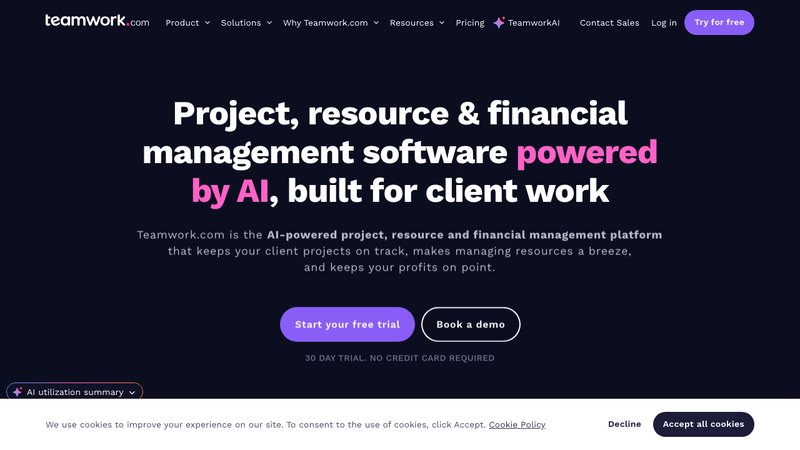
Teamwork is the closest thing to an agency-specific PM tool on this list. It's a PSA platform that combines project management with client-facing features, time tracking, and (more recently) retainer management.
Best for: Mid-size marketing agencies that want PM, client portal, and time tracking in one platform.
Key features for marketing agencies: - Client portal with branded login (available on Grow plan and above) Native time tracking with billable/non-billable split - Task templates for recurring deliverables - Workload management to see who's overloaded - Retainer management (beta, available on Scale plan) - Intake forms for client requests.
- Pricing: Free (up to 5 users), Deliver ($13.99/user/mo), Grow ($25.99/user/mo), Scale ($69.99/user/mo).
- Pros: - Built for agencies and service businesses, not retrofitted - Client portal is solid and saves you from sharing internal boards - Time tracking is built in, which means fewer integrations to maintain - Task templates work well for recurring monthly deliverable
- Cons: - The retainer management feature is still in beta and only available on the expensive Scale plan - Per-user pricing adds up fast for larger teams - The free plan is too limited for real work (5 users, no client portal) - The interface feels dated compared to newer tools
2. ClickUp
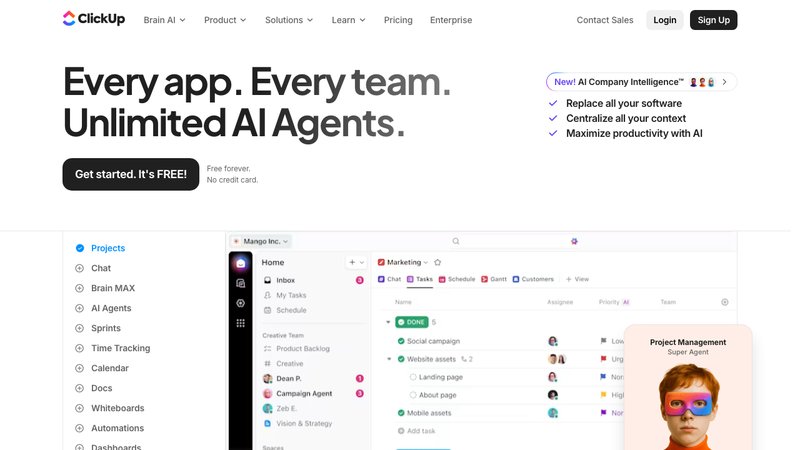
ClickUp packs in more features than any other tool on this list. Views, automations, docs, whiteboards, dashboards, time tracking, goals. The flexibility is impressive. But that flexibility is also what makes it hard to get started.
Best for: Marketing teams that want extreme customization and are willing to invest time in setup.
Key features for marketing agencies: - Multiple views (list, board, calendar, Gantt, timeline) for different content types - Native time tracking across all plans - Automations for recurring task creation (useful for monthly deliverables) - Custom fields for tracking deliverable types, channels, and client categories - Docs for SOPs and content briefs - Dashboards for client reporting
- Pricing: Free, Unlimited ($7/user/mo), Business ($12/user/mo), Enterprise (custom).
- Pros: - The most customizable PM tool available, period - Low per-user cost compared to competitors - Automations can handle recurring deliverable creation automatically - Time tracking is included at every price tier
- Cons: - No native client portal, so clients need access to your workspace (messy) - Setup takes serious time investment, and the learning curve is steep - Can feel overwhelming with so many features and views - Performance issues with large workspaces are a common complaint
3. Monday.com
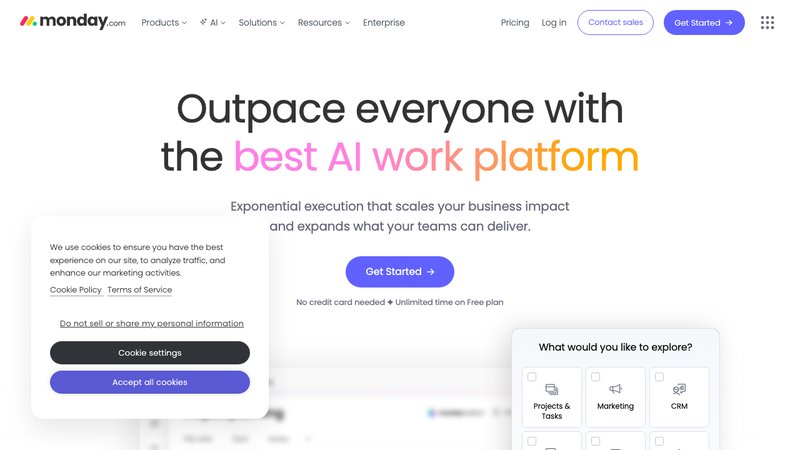
Monday.com is the most visual PM tool on this list. It's built around colorful boards with status columns, and it has specific marketing templates for campaign tracking. For agencies that think visually and want boards that look good in client presentations, it's appealing.
Best for: Visual-first marketing agencies that manage campaigns and want polished board views.
Key features for marketing agencies: - Marketing-specific templates (campaign management, content calendar, social planning) - Visual campaign tracking with status columns and color coding - Automations for recurring tasks and status updates - Integrations with major marketing platforms (HubSpot, Mailchimp, social tools) - Workload view for capacity planning
- Pricing: Individual (free, 2 seats max), Basic ($12/seat/mo), Standard ($14/seat/mo), Pro ($27/seat/mo).
- Pros: - Beautiful visual interface that clients understand immediately - Marketing templates save setup time - Strong automation engine for recurring workflows - Good integration ecosystem for marketing tools
- Cons: - No native client portal, so sharing boards externally requires workarounds - Per-seat pricing gets expensive for agencies with larger teams - Time tracking is basic and requires the Pro plan - No retainer management capability, you'll need a separate system for budget tracking
4. Asana
Asana is the task management standard. If you've worked at any company in the last decade, you've probably used it. For marketing agencies, Asana's strength is its structured approach to task management with portfolios for managing multiple client accounts.
Best for: Marketing agencies that need strong content calendars and structured task workflows.
Key features for marketing agencies: - Portfolios for managing multiple client accounts in one view - Timeline view for content calendar planning - Workload management to prevent team burnout - Goals and milestones for quarterly client objectives - Forms for client request intake - Calendar view that works well for editorial planning
- Pricing: Personal (free), Starter ($13.49/user/mo), Advanced ($30.49/user/mo).
- Pros: - Clean, intuitive interface with minimal learning curve - Portfolios give a useful bird's-eye view across all client accounts - Forms are solid for standardized client request intake - Strong template library for marketing workflows
- Cons: - No native client portal (external sharing is clunky) - No built-in time tracking (requires integration with Harvest, Toggl, or similar) - No retainer management at all - Per-user pricing scales poorly for agencies, and the free tier is limited
5. Basecamp
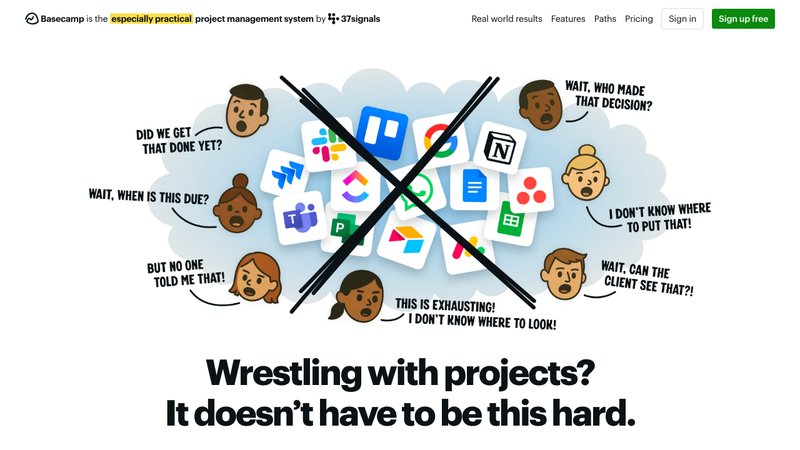
Basecamp takes the opposite approach from ClickUp. Instead of giving you every feature imaginable, it strips things down to the basics: message boards, to-do lists, schedules, file storage, and group chat. That's it. And for some agencies, that simplicity is exactly the point.
Best for: Small marketing agencies that want dead-simple communication and task management without complexity.
Key features for marketing agencies: - Message boards for async client communication (clients get direct access) - Simple to-do lists for tracking deliverables - Schedule view for content planning - File storage organized by project - Client access is built in (you control what clients can see) - Automatic check-ins for team status updates.
- Pricing: $15/user/mo flat.
- Pros: - Client access is easy to set up, no separate portal needed - The simplicity is a feature, not a bug. Less time spent configuring, more time working - Flat pricing per user with no tier gates on features - Great for agencies that communicate heavily with clients in writing
- Cons: - No time tracking at all (you need a separate tool) - No retainer management - Too simple for agencies that need Gantt charts, workload views, or automations - The lack of customization can feel limiting as your agency grows
6. Notion
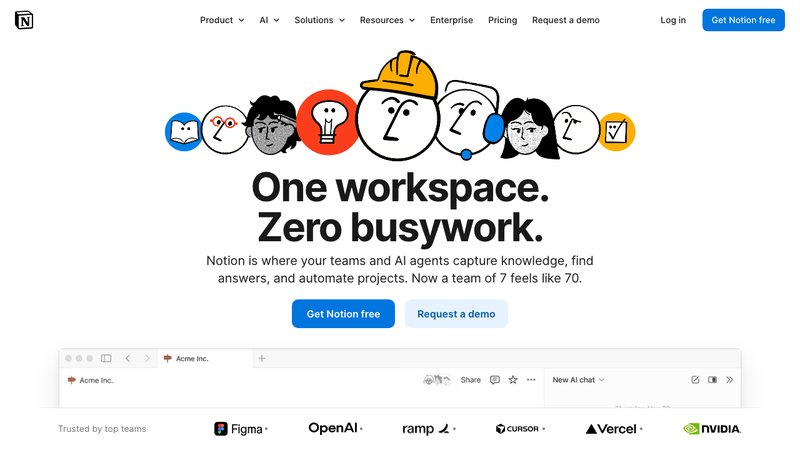
Notion is a workspace, not a PM tool. It's databases, wikis, docs, and dashboards that you can configure into almost anything. Marketing agencies love it for content calendars, SOPs, and knowledge bases. But using it as your primary PM tool requires serious setup.
Best for: Marketing agencies that need a flexible content management workspace and are comfortable building their own systems.
Key features for marketing agencies: - Databases for content calendars, client directories, and brand guidelines - Wiki pages for SOPs, style guides, and onboarding docs - Templates for repeatable content workflows - Flexible views (table, board, calendar, gallery) on any database - Good for managing content briefs, editorial calendars, and brand asset libraries
- Pricing: Free, Plus ($10/user/mo), Business ($18/user/mo).
- Pros: - Unmatched flexibility for building custom content workflows - Great for managing SOPs, brand guides, and content libraries - Low cost per user compared to dedicated PM tools - Excellent for teams that want everything in one workspace
- Cons: - No native client portal (sharing pages externally is possible but limited) - Requires significant setup time and ongoing maintenance - No built-in time tracking - No retainer management - Not really a PM tool, so things like workload views and resource planning don't exist
7. Productive.io
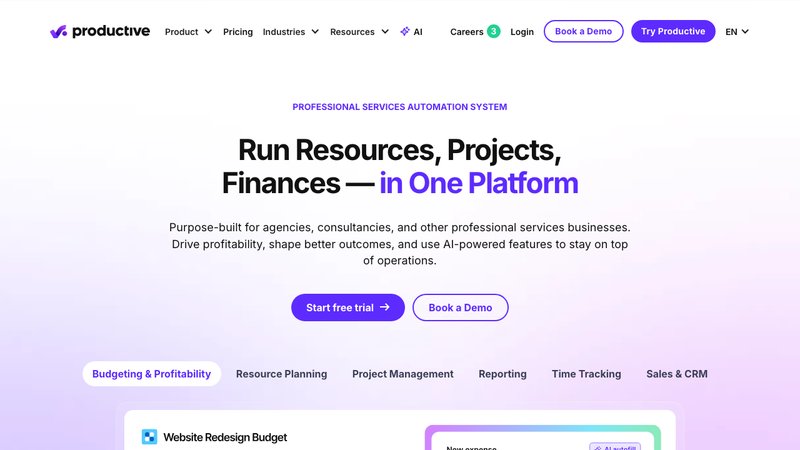
Productive is a proper PSA tool built specifically for agencies. Resource planning, budgeting, profitability tracking, time tracking, and project management all in one. If you want to know exactly how profitable each client is, Productive gives you that data.
Best for: Marketing agencies focused on profitability tracking and resource utilization across multiple clients.
Key features for marketing agencies: - Budget tracking per client with real-time burn rate visibility - Resource planning to allocate team members across client accounts - Profitability reports per client, per project, per team member - Time tracking tied to budgets and billing - Sales pipeline for tracking new client opportunities - Scheduling to manage team capacity
- Pricing: Essential ($11/user/mo), Professional ($28/user/mo).
- Pros: - Built for agencies, not generic teams - Profitability tracking is best-in-class across tools on this list - Budget management gives real-time visibility into retainer burn rate - Resource planning actually works for managing team allocation across clients
- Cons: - No native client portal (all client-facing communication happens outside the tool) - The interface has a steeper learning curve than simpler tools - Per-user pricing gets expensive as your team grows - Overkill for solo operators or very small agencies
8. Sagely
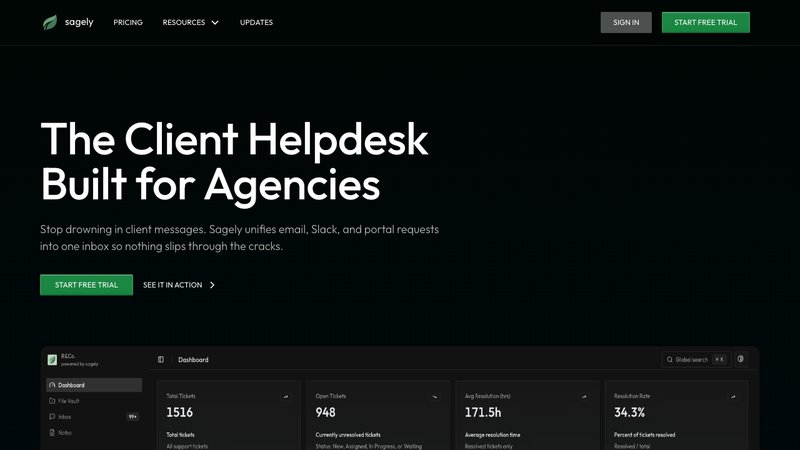
Sagely comes at agency work from a different angle. Instead of being a PM tool that added client features, it's a client communication platform that includes project management. The core idea is a unified inbox where tickets from email, Slack, and a client portal all land in one place, tied to time tracking and retainer management.
Best for: Retainer-based marketing agencies that need client communication, time tracking, and retainer management in one tool.
Key features for marketing agencies: - Unified inbox pulling in messages from Slack, email, and a self-serve client portal - Retainer tracking with overage alerts and multiple overage models - Time tracking tied directly to client tickets - One-time-password client portal (no login credentials to manage) - Kanban workflow for task management - File vault for client deliverable storage - Recurring ticket templates for monthly deliverables (social posts, blog content, SEO audits).
- Pricing: Solo $14.99/mo, Freelancer $29/mo, Agency $79/mo. Flat per-plan pricing, not per-seat.
- Pros: - The only tool on this list built specifically for agency client work, not internal PM - Flat pricing means no per-seat math as your team grows - Retainer management with overage alerts solves one of the biggest agency pain points - Recurring ticket templates are a natural fit for repeating marketing deliverables
- Cons: - Not a full-featured PM tool (no Gantt charts, no resource planning, no portfolios) - Smaller company, so the integration ecosystem is still growing - Less suitable for one-off project work compared to dedicated PM tools - If you need complex internal project planning, you'll still need something else alongside it
Integration checklist for marketing agencies
Before you commit to any tool, check the integration list. Marketing agencies run a specific stack, and your PM tool needs to talk to the rest of it. Here's what to look for.
Communication: Slack. This is non-negotiable for most agencies. If your PM tool doesn't integrate with Slack, you're going to have two separate communication streams and things will fall through the cracks. Look for deep integration (creating tasks from Slack messages, getting notifications in channels) rather than a basic webhook.
Analytics: Google Analytics, Google Search Console. If you're running SEO or content marketing for clients, you need easy access to performance data. Some PM tools integrate directly with analytics platforms, letting you pull metrics into dashboards without switching tabs.
CMS: WordPress, Webflow. Your content team publishes somewhere. If the PM tool can connect to your CMS, you can track publishing status without manual updates. At minimum, look for Zapier or Make connections if native integrations don't exist.
Social media scheduling: Buffer, Hootsuite, Sprout Social, Later. Social media agencies need to connect their scheduling tool to their PM tool so task completion aligns with scheduled posts. Without this, you're updating status in two places.
Email marketing: Mailchimp, ConvertKit, ActiveCampaign. If you manage email campaigns for clients, connecting your email platform to your PM workflow reduces the manual handoff between "content approved" and "campaign sent."
File storage: Google Drive, Dropbox. Every agency has a file storage system. Your PM tool should connect to it natively so attachments, deliverables, and client assets don't live in yet another silo.
Accounting: QuickBooks, Xero, FreshBooks. If time tracking in your PM tool can flow directly into invoicing, you save hours of manual entry every month. This is especially important for retainer-based work where you're tracking billable hours against a monthly cap.
The rule of thumb: fewer integrations is better. Every integration is a potential point of failure. Choose a PM tool that handles as much as possible natively, and only integrate where you actually need data to flow between systems. As I wrote in the tool stack optimization guide, more tools does not mean more productivity.
Marketing agency project management FAQ
What is the best project management software for marketing agencies?
There's no single best answer. It depends on your agency's size, client count, and how retainer-heavy your work is. For mid-size agencies wanting a full PM suite with client access, Teamwork is a strong choice. For extreme customization, ClickUp. For agencies focused on retainer tracking and client communication, Sagely fills a gap most PM tools ignore. If profitability analysis is your priority, Productive is worth the investment.
How do marketing agencies manage retainer clients?
Most marketing agencies track retainer work using a combination of a PM tool for task management and a separate spreadsheet or time tracking tool for hours and budget. The better approach is a tool that handles retainer tracking natively, with alerts when you're approaching the monthly cap and clear reporting on delivered versus scoped work. Only a few tools on the market (Teamwork, Productive, and Sagely) offer any version of this.
What PM tools do marketing agencies actually use?
In practice, most marketing agencies use some combination of Asana, Monday.com, or ClickUp for task management, plus Toggl or Harvest for time tracking, plus Google Sheets for retainer tracking and client reporting. The overhead of managing three separate systems is significant but common. Agency-specific tools like Teamwork and Productive aim to consolidate this, but they come with higher price points.
Do marketing agencies need specialized PM software?
Not always. If you have one or two clients with simple scopes, a free Asana plan or even a Google Sheet will work fine. But once you're managing three or more retainer clients with multiple deliverable types per client, the limitations of generic PM tools start costing you real money in lost time and missed deliverables. The tipping point is usually when you catch yourself maintaining a spreadsheet alongside your PM tool. That's a sign the PM tool isn't doing enough. I've written about this tipping point in the spreadsheet tax.
How much does marketing agency PM software cost?
Costs range from free (limited plans on ClickUp, Asana, Monday.com) to $70 per user per month (Teamwork Scale). Most agencies land somewhere in the $12 to $30 per user per month range. The outlier is flat-rate pricing (Sagely at $14.99 to $79/mo regardless of team size, Basecamp at $15/user flat), which can be significantly cheaper for larger teams. Factor in the tools you'll need to add on top: if your PM tool lacks time tracking, budget another $8 to $15 per user for Toggl or Harvest.
What features are most important for marketing agency PM?
In order of importance: retainer management (tracking hours and deliverables against a monthly scope), time tracking per deliverable type (social vs. content vs. SEO), recurring task templates (for monthly deliverables that repeat), client visibility (portal or shared view so clients see progress without bugging you), and integrations with your marketing stack (Slack, CMS, social scheduling, analytics). Everything else is nice to have.
How do I handle scope creep on marketing retainers?
Scope creep on retainers is the silent killer of agency margins. The best defense is a tool that tracks retainer usage in real time and alerts you before you exceed the cap. Without that, you need a manual system: log every request, tag it as in-scope or out-of-scope, and review weekly against the retainer agreement. As I covered in billing dispute prevention, the second you realize you're going over scope, communicate with the client immediately. Don't wait until the invoice.
Find the right marketing agency project management software
If you've read this far, you're probably frustrated with the tool you're currently using. That's normal. Most marketing agencies cycle through two or three PM tools before finding something that sticks.
Here's what I'd suggest: figure out what's actually broken in your current setup before shopping for a new tool. Is it retainer tracking? Client communication? Time logging? Recurring deliverable management? Once you know the real problem, you can pick a tool that actually solves it instead of just moving the chaos to a different interface.
If the core issue is managing ongoing client work, retainers that need tracking, deliverables that repeat monthly, and client communication scattered across Slack, email, and random messages, Sagely was built for exactly that. It's not a replacement for full marketing agency project management software if you need Gantt charts and resource planning. But for the client-facing side of agency work, it handles what most PM tools don't.
Try Sagely free for 14 days. No credit card required.