


Project Management Software for Digital & SEO Agencies (2026 Guide)
I've been running agency work long enough to know that the tool you pick matters way less than most people think. And yet, picking the wrong one can cost you real money and real sanity.
Here's what nobody tells you when you're Googling "best project management software for digital agencies" at 11pm on a Tuesday: most of these tools were built for product teams, engineering sprints, or corporate middle managers who love Gantt charts. They were not built for the reality of running SEO campaigns across eight clients with different retainer structures, reporting cadences, and communication preferences.
I've used ClickUp, Monday, Asana, Basecamp, and a spreadsheet held together by duct tape and desperation. Some of them worked for a while. None of them solved the actual problem, which is that agency work doesn't look like "normal" project management. Your projects don't end. They cycle. Monthly retainers, recurring deliverables, ongoing campaigns. The intake-to-delivery loop never stops, and the tools need to reflect that.
So this guide is me being honest about what actually works for digital and SEO agencies, what doesn't, and where the gaps are that no single tool fully covers. (If you want the broader picture on agency PM, start with the systems-level guide.)
What Digital and SEO Agencies Actually Need From PM Software
Before you start comparing feature lists, you need to understand why generic PM tools consistently fail agency teams. The work structure is fundamentally different.
Agency work follows a loop: intake, execution, delivery, reporting. Then it resets. Every month, every client. SEO work is an ongoing operation, not a "project" with a start and end date — and most PM tools treat everything like it has a finish line.
Here are the specific requirements that make or break a PM tool for SEO and digital agencies:
- Retainer management. If you're running monthly retainers (and most SEO agencies are), you need to track allocated hours against used hours, handle overages, and roll over unused time. Surprisingly few tools do this natively. You end up building some Frankenstein spreadsheet alongside your "modern" PM tool. (If that sounds familiar, read what agency chaos actually costs you.
- Client-facing portal or access. Your clients want to see progress. They don't want to see your internal Slack arguments about who dropped the ball on the meta descriptions. You need a way to share status updates without exposing the sausage-making. Unlimited client access at no extra cost is a big differentiator here.
- Time tracking tied to billable work. This is where most agencies leak money. If your time tracking lives in a separate tool from your task management, adoption plummets. Nobody wants to context-switch to log time. It needs to be built in, low friction, and directly connected to billing.
- Multi-client dashboard. You're running 10, 15, maybe 30 concurrent client engagements. You need portfolio-level visibility. Not "let me click into each project individually" but a single view that tells you which clients are on track, which are burning budget, and which have overdue deliverables.
- Content and SEO workflow support. Brief creation, writer assignment, draft, review, approval, publication. That's the content cycle, and you're running it simultaneously for multiple clients with different approval chains. Add technical SEO audit tracking (where you might have hundreds of issues across priorities) and link building campaign management, and you start to see why a tool built for software sprints doesn't cut it.
Top 7 Tools for Digital and SEO Agencies, Reviewed
I'm reviewing these specifically through the lens of agency work. I don't care how many Fortune 500 companies use a tool. I care whether it handles retainers, client communication, and multi-client billing without making you want to throw your laptop out the window.
Sagely
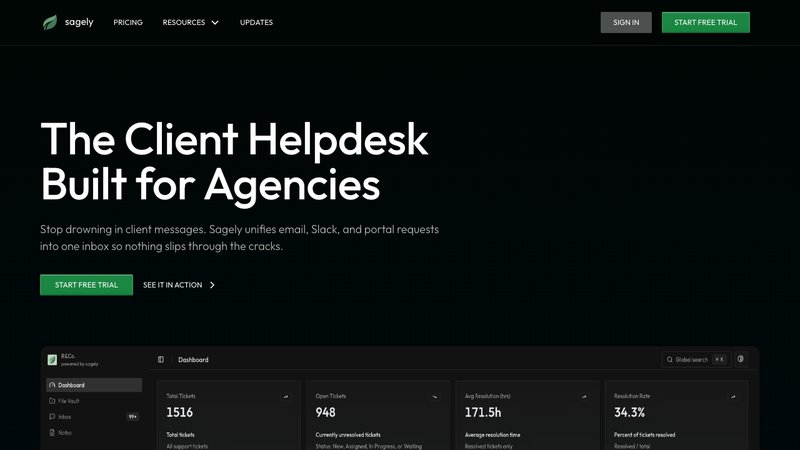
Overview: Sagely is not project management software. I want to be upfront about that since we make it. It's a multi-client helpdesk and communication platform built specifically for agency workflows. It unifies tickets, time tracking, retainer management, and client communication across Slack, email, and a self-serve client portal. Think of it as the client-facing layer that sits alongside your internal PM tool.
Best for: Agencies that already have a PM tool for internal work but need a better system for client communication and retainer tracking.
Key features for digital/SEO agencies:
- Omni-channel inbox that pulls Slack messages, emails, and portal requests into unified tickets
- Built-in retainer management with overage models and rollover
- Time tracking tied directly to tickets, auto-deducting from retainer budgets
- Passwordless client portal (OTP) where clients can check status, submit requests, and access files without another login to remember
- Slack-native workflow: create tickets from messages, map channels to clients
- Flat-tier pricing, not per-agent
Pricing: Solo $14.99/mo (5 clients), Freelancer $29/mo (20 clients, 5 team members), Agency $79/mo (unlimited clients, 15 team members). 14-day free trial.
Pros: Solves the specific problem of client communication chaos. Retainer tracking is genuinely useful. Slack integration means your team doesn't need to learn another tool. Flat pricing means you're not doing math every time you add a team member.
Cons: Not a project management tool. You still need something else for internal task management, sprint planning, and workflow automation. If you're looking for Gantt charts and resource scheduling, this isn't it. Smaller team and younger product compared to the bigger names on this list.
Teamwork
Overview: Teamwork positions itself as "the only platform built for client work," and it largely delivers on that promise. It's a full PM suite with strong client access controls, built-in time tracking, and project templates that make sense for recurring agency work.
Best for: Agencies that want a single PM platform with strong client management and unlimited client users.
Key features for digital/SEO agencies: - Unlimited client users on all paid plans (this is a genuine cost advantage over tools that charge per seat for clients) - Built-in time tracking with billable rate support at the Deliver tier - Intake forms for client requests - Retainer management and profitability reporting (Scale tier) - Budget tracking with real-time visibility - QuickBooks, Slack, and HubSpot integrations
Pricing: Deliver $10.99/user/mo, Grow $19.99/user/mo, Scale custom pricing. Annual billing. 10-person team on Deliver runs about $110/mo.
Pros: Unlimited client users is a real differentiator. If you have 20+ clients who need portal access, you're saving money immediately versus tools that charge per seat. The overall feature set is well-rounded for agency work.
Cons: Retainer management is locked behind the custom-priced Scale tier. So the feature that agencies arguably need most requires a sales call to even get pricing. Resource scheduling is also Scale-only. The lower tiers are solid but feel like they're designed to push you toward enterprise.
Productive.io
Overview: Productive.io is built specifically for professional services firms and agencies. It covers project management, budgeting, resource planning, and financial tracking in a single platform. Where most PM tools bolt on financials as an afterthought, Productive treats them as a core function.
Best for: Mid-size agencies that want the best balance of agency-specific features and reasonable pricing.
Key features for digital/SEO agencies: - Budgeting at every tier, even the $10/mo Essential plan - Resource planning with skills-based and seniority-based filtering - Client-level P&L tracking (run each client like a separate profit center) - Rate cards for different billing structures - Billable time approvals workflow - Revenue forecasting and scenario builder at Ultimate tier - Expense management and time-off tracking included at every tier
Pricing: Essential $10/user/mo, Professional $25/user/mo, Ultimate $33/user/mo. Annual billing. 10-person team on Essential runs $100/mo.
Pros: Budgeting at the $10/mo tier is unusual and genuinely useful. The financial depth rivals Scoro at a lower price point. Resource planning is well-implemented. It scored 42/60 in my agency-fit scoring, just one point behind Scoro but at significantly lower cost.
Cons: Invoicing is integration-based (Xero/QuickBooks), not native. HubSpot integration is only at Ultimate ($33/user/mo). Less brand recognition than ClickUp or Monday means fewer community resources and templates. The interface isn't as polished as some competitors.
Scoro
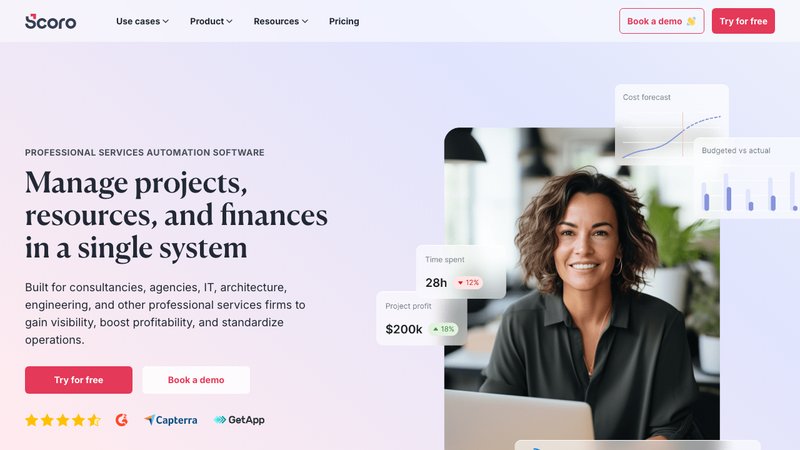
Overview: Scoro is the heavyweight for agencies that care deeply about financial management. It combines project management with native quoting, invoicing, and profitability tracking at a level no other tool on this list matches. One customer testimonial on their site claims a jump from 11% to 43% net profit after implementing Scoro, though your results will obviously vary.
Best for: Agencies that want the deepest financial management and profitability tracking in a single system.
Key features for digital/SEO agencies: - Native quotes, invoices, bills, and receipts at every tier (even Core at $19.90/user/mo) - Quote estimation matrix that breaks deliverables by role and effort with cost/margin visibility - Real-time budget burn tracking at the role, service, and project level - Retainer management at Growth tier - Revenue recognition and forecasting at Performance tier - Utilization reporting at Growth tier - Built-in CRM with sales pipeline at Performance tier
Pricing: Core $19.90/user/mo, Growth $32.90/user/mo, Performance $49.90/user/mo. Annual billing. 10-person team on Core runs $199/mo. On Growth, that's $329/mo.
Pros: If you want to know exactly how profitable each client is at the role level, Scoro does this better than anyone. It scored highest in my agency-fit scoring at 43/60. The native invoicing means you're not bouncing between your PM tool and QuickBooks. One Scoro customer reported their utilization rate improved by 20% within the first year and project profitability increased by 33%.
Cons: Most expensive tool on this list by a margin. Core at $19.90/user/mo just to get started. Timesheets are only at the Performance tier ($49.90/user/mo), which is steep. The interface leans more "business software" than "modern SaaS," and the learning curve reflects that. Smaller integration ecosystem than Monday or ClickUp.
ClickUp
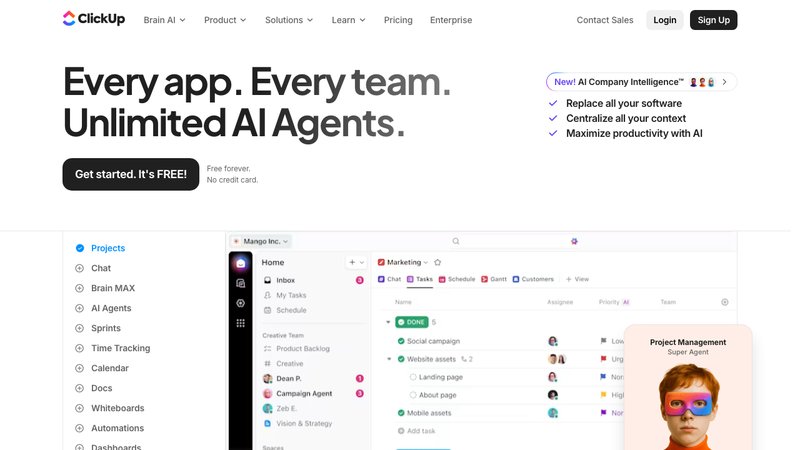
Overview: ClickUp tries to be everything for everyone (their tagline is literally "one app to replace them all"). For agencies, that means you get an enormous feature set at a very low price point, but you'll spend considerable time configuring it to work for client work. It's a power tool that requires patience.
Best for: Feature-hungry agencies that want maximum flexibility at the lowest cost and don't mind a setup investment.
Key features for digital/SEO agencies: - Native time tracking included at Unlimited ($7/user/mo) - Highly customizable views: Gantt, timeline, workload, board, calendar - Unlimited storage at Unlimited tier - Whiteboards for strategy sessions - Strong automation engine - White labeling available at Enterprise
Pricing: Unlimited $7/user/mo, Business $12/user/mo. Annual billing. 10-person team on Unlimited runs just $70/mo. That's dirt cheap.
Pros: Cheapest meaningful option on this list. The feature depth is real. If you're willing to invest the time to set up custom views, automations, and workflows, you can build pretty much anything. For an agency on a tight budget, $70/mo for 10 people is hard to argue with.
Cons: No native client portal. Your clients need workarounds (shared views with permissions) that feel clunky. No invoicing, no retainer management, no profitability reporting, no billing rate tracking without custom workarounds. And I can't stress this enough: the learning curve is steep. I've seen teams spend weeks just setting up their workspace, only to realize they've built a system nobody wants to use because it's too complex. It scored 34/60 in agency-fit scoring, which tells you something about the gap between "can do everything" and "built for agency work."
Monday.com
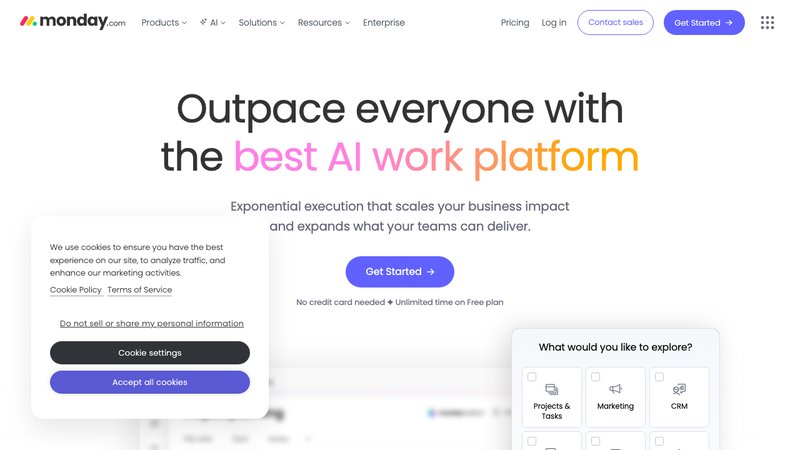
Overview: Monday.com has the best user interface on this list, and it's not close. Onboarding new team members takes hours, not days. The automation and integration ecosystem is massive (200+ integrations), and the visual workflow management is intuitive enough that even your least technical team member can use it without training.
Best for: Agencies that prioritize ease of use and strong integrations over agency-specific financial features.
Key features for digital/SEO agencies: - Very intuitive UI with drag-and-drop everything - 200+ integrations with CRM, marketing tools, and communication platforms - Unlimited free viewers on Basic and above (clients can view boards at no cost) - Multiple product lines (Work Management, CRM, Dev, Service) - Strong automation engine at Standard tier - Recognized as a Gartner Magic Quadrant Leader
Pricing: Basic $9/seat/mo, Standard $12/seat/mo, Pro $19/seat/mo. Annual billing. 10-person team on Basic runs $90/mo.
Pros: The UX is excellent. If tool adoption has been a problem at your agency (people just not using whatever PM tool you've picked), Monday solves that with sheer usability. The integrations ecosystem means it plays well with whatever else you're using.
Cons: Time tracking only unlocks at the Pro tier ($19/seat/mo). For a feature that agencies use daily, that's an expensive gate. No retainer management at any tier. No resource utilization tracking. No profitability reporting. No invoicing. "Unlimited free viewers" sounds great until you realize those viewers can look but not meaningfully interact. Like most general-purpose tools, it scored 34/60 in agency-fit scoring because the agency-specific operational features just aren't there.
Basecamp
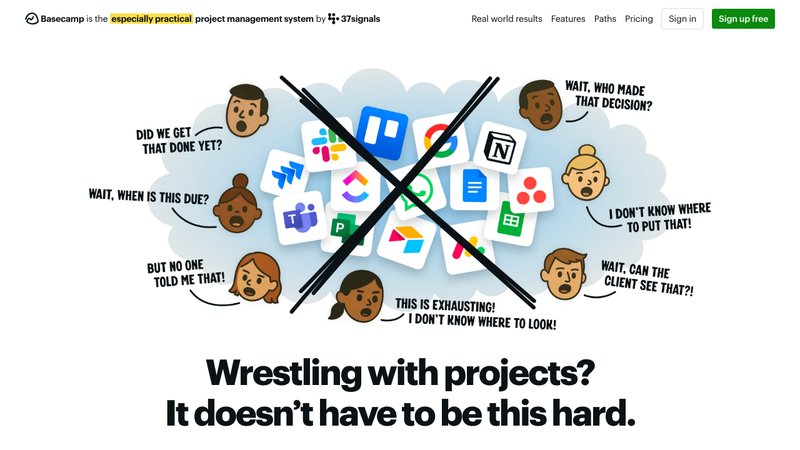
Overview: Basecamp is the anti-complexity choice. It's opinionated, simple, and does fewer things on purpose. The big selling point for agencies is the Pro Unlimited plan at $299/mo flat, regardless of team size. No per-seat math, no surprise invoices when you hire your sixth person.
Best for: Small to mid-size agencies that want simplicity and predictable flat-rate pricing.
Key features for digital/SEO agencies: - Flat $299/mo for unlimited users at Pro Unlimited - Simple, opinionated interface with minimal learning curve - Built-in client access with ability to control what clients see - Message boards and check-ins reduce unnecessary meetings - Basic timesheet functionality at Pro Unlimited
Pricing: Plus $15/user/mo, Pro Unlimited $299/mo flat. 10-person team on Plus runs $150/mo. But if you're growing, the $299/mo flat rate becomes a better deal at 20+ people.
Pros: If you have a larger team, $299/mo flat is fantastic value. The simplicity is refreshing after dealing with ClickUp's configuration maze. You can get a new team member up and running in an afternoon. Client access controls work well enough for basic communication.
Cons: The feature set is limited. No Gantt charts, no timeline views, no workload management. No resource planning. No budget or profitability tracking. No invoicing. No custom fields. No advanced reporting. The timesheets are basic, with no billable rate distinctions. If you need any financial visibility into your agency operations, Basecamp won't provide it. It scored 22/60 in agency-fit scoring, which is the lowest on this list. The simplicity is both the selling point and the limitation.
Comparison Table: All 7 Tools Side by Side
Here's how these tools stack up on the features that actually matter for digital and SEO agencies. Pricing is calculated for a 10-person team on the lowest paid tier with annual billing.
FeatureSagelyTeamworkProductive.ioScoroClickUpMonday.comBasecampClient PortalYes (OTP)Yes (unlimited users)YesYesNoViewers onlyBasicTime TrackingYes (ticket-based)Yes (Deliver+)Yes (all tiers)Yes (Performance for timesheets)Yes (Unlimited+)Pro only ($19/seat)Basic (Pro Unlimited)Retainer ManagementYes (all plans)Scale only (custom)Professional ($25/user)Growth ($32.90/user)NoNoNoBudget TrackingRetainer-basedYes (Grow+)Yes (all tiers)Yes (Growth+)NoNoNoInvoicingNoLower tiers limitedIntegration (Xero/QB)Yes (native, all tiers)NoNoNoEase of UseHighMedium-HighMediumMediumLow-MediumHighHigh10-Person Starting Cost$79/mo (flat)$110/mo$100/mo$199/mo$70/mo$90/mo$150/moA couple things jump out from this table. Only three tools offer retainer management at any price (Teamwork, Productive.io, Scoro), and none of them include it in their cheapest tier. ClickUp is the cheapest but has the most gaps in agency-specific functionality. Scoro is the most complete on paper but costs almost 3x what ClickUp or Monday charge.
And notice that Sagely is the only one with retainer management on all plans. That's because it's the only tool on this list built specifically for the client communication and retainer tracking side of agency work, while the others are PM platforms trying to bolt on agency features.
How to Evaluate: A Checklist for Digital and SEO Agency Owners
Before you commit to any tool on this list (or any PM software, really), ask yourself these questions. Answering them honestly will save you months of frustration and probably a migration headache.
1. What's your actual problem? Is it internal task management (who's doing what, when)? Is it client communication (requests falling through cracks)? Is it financial visibility (not knowing which clients are profitable)? Different problems point to different tools. And sometimes the answer is two tools, not one.
2. How many clients do you have, and do they need access? If you're running 20+ client accounts and they all want visibility, a tool with unlimited client users (Teamwork) or a dedicated client portal (Sagely) saves you from per-seat cost nightmares.
3. Do you run retainers? If yes, you need native retainer tracking. Trying to manage retainer budgets with custom fields and formulas in ClickUp or Monday is a recipe for inaccuracy and wasted admin time.
4. What does your team actually use? The best tool is the one people open. If your team lives in Slack, a Slack-native workflow matters. If they struggle with complex interfaces, Monday or Basecamp will get higher adoption than ClickUp.
5. Where are you leaking money? If you don't know which clients are profitable, you need financial depth (Scoro or Productive.io). If you're giving away unbilled hours because time tracking is a pain, you need low-friction built-in tracking.
6. What's your budget per person, really? ClickUp at $7/user/mo and Scoro at $49.90/user/mo are solving different problems at different price points. Be honest about what you can sustain, especially since these costs scale linearly with headcount (except Basecamp and Sagely's flat tiers).
7. Are you willing to run two tools? Here's the reality that most "all-in-one" marketing ignores: many successful agencies run an internal PM tool (ClickUp, Monday, Asana) alongside a client-facing tool (Sagely, client portal features in Teamwork). The dual-system approach costs more but often matches how agencies actually work, with separate spaces for internal operations and client communication.
Frequently Asked Questions
What's the best PM software for SEO agencies?
There's no single best option. It depends on what your agency's biggest pain point is. For financial depth and profitability tracking, Scoro (43/60 agency-fit score) and Productive.io (42/60) lead the pack. For client management with unlimited client access, Teamwork (41/60) is strong. For pure features-per-dollar, ClickUp at $7/user/mo is hard to beat, though it lacks agency-specific capabilities like retainer management and client portals.
Do digital agencies need specialized PM tools?
You can get by with general-purpose tools like ClickUp, Monday, or Asana. Plenty of agencies do. But you'll spend time building workarounds for retainer tracking, client access controls, and profitability reporting that agency-specific tools handle out of the box. The question is whether that setup time (and ongoing maintenance) costs more than the price difference.
How much should an agency spend on PM software?
For a 10-person team, you're looking at anywhere from $70/mo (ClickUp Unlimited) to $499/mo (Scoro Performance). A reasonable middle ground for most agencies is $100 to $200/mo, which puts you in range of Productive.io Essential, Teamwork Deliver, or Basecamp Plus. Don't forget to factor in the cost of the secondary tools you'll need to fill gaps. A $70/mo PM tool plus a $50/mo time tracker plus a $30/mo invoicing tool might cost more than a $200/mo tool that does all of it.
Can I use ClickUp or Asana for agency client work?
Yes, with caveats. Both work well for internal task management and workflow automation. Where they fall short is on the client-facing side. ClickUp has no native client portal (you'd use shared views with guest permissions), no retainer management, and no invoicing. Asana has unlimited free guests at Starter tier, which is good for client access, but lacks time tracking entirely (you'd need a third-party integration) and has no retainer or financial management. They're good PM tools. They're not complete agency management platforms.
What's the difference between PM software and client management software?
Project management software handles internal operations: tasks, timelines, assignments, workflows. Client management software handles the external relationship: communication, requests, retainer tracking, reporting, file sharing, and billing. Most agencies eventually realize they need some version of both. Tools like Teamwork, Productive.io, and Scoro try to cover both sides. Sagely focuses specifically on the client management side, designed to work alongside your existing PM tool rather than replace it.
Is flat-rate pricing better for agencies?
It depends on your team size and growth trajectory. Per-seat pricing (most tools on this list) is predictable but gets expensive fast. If you're a 5-person team, per-seat works fine. If you're a 25-person team, Basecamp at $299/mo flat or Sagely at $79/mo flat starts looking very attractive compared to paying $25 x 25 seats ($625/mo) for Productive.io Professional. Do the math for your specific situation before committing.
Try Sagely Free for 14 Days
If the client communication side of your agency is the part that's breaking, that's what Sagely is built for. Unified ticketing across Slack, email, and portal. Retainer tracking that auto-deducts from budgets. A client portal that doesn't require passwords.
It's not a replacement for your PM tool. It's the other half of the system.
Start Free Trial