


Creative agency project management software helps design studios, branding agencies, and creative teams manage asset-heavy workflows, client revision cycles, and visual proofing alongside standard project tracking.
The right tool connects your creative process to client communication without forcing your team into a system built for software developers. Put simply, creative project management is the day-to-day work of keeping those assets, approvals, and timelines under control without burning out your team.
Most project management tools weren't built for creative work. They were built for software teams shipping code, and the industry adapted them poorly for design studios, branding agencies, and creative shops. The result is a familiar pattern: configure a new tool over a weekend, use it for two weeks, then quietly abandon it when files pile up in Slack and client revision feedback lands in the wrong inbox anyway.
Creative agencies manage a different kind of complexity. Not tasks, but visual assets across multiple revision rounds, approval chains with multiple stakeholders, and clients who need visibility into project status without seeing the internal process. That's a fundamentally different problem from sprint planning. Most tools don't acknowledge it exists.
This guide covers nine tools that creative agencies actually use, what makes each one worth considering, where each falls short, and how to choose based on your team's real pain point.
If you want the broader picture on agency project management as a system (not just the tools), start there. This guide focuses specifically on creative agency project management software, what makes it different, and which tools actually deliver.
If you're not a creative shop, check out the guides for advertising agency project management software or marketing agency project management software instead.
What creative agencies actually need from creative project management software
Before we get into the tools, let's be clear about what makes creative agency work different. Because if you don't nail these requirements, you'll end up with another expensive tool gathering dust.
Visual workflow management
Creative work is visual. You need to see where projects stand at a glance, not scroll through text-heavy task lists. Kanban boards help, but you also need to preview assets inline, see design status across projects, and move work through stages that match how creative teams actually operate (concept, design, revision, production, delivery).
Most PM tools default to list views because they were built for engineering sprints. That's not how a design team thinks.
Asset and file management tied to projects
Here's the thing: creative agencies deal with more files per project than almost any other type of service business. PSDs, Figma exports, video drafts, photography, brand guidelines. If your PM tool doesn't handle file management natively (or integrate tightly with your file storage), you'll end up with assets scattered across Google Drive, Dropbox, email attachments, and Slack uploads.
The files need to live alongside the tasks. When a designer opens a revision request, the current approved version should be right there, not buried in a shared folder somewhere.
Client approval and revision tracking
Revision cycles are where creative projects live or die. A client says "make the logo bigger" in a Slack message, your designer makes the change, the client approves via email, and three weeks later a different stakeholder on the client side says nobody approved that version.
You need a system that tracks who approved what, when, and which version. Not because you're trying to play gotcha with clients, but because clear revision history prevents the kind of miscommunication that tanks relationships. If you've ever dealt with billing disputes over revision work, you know exactly what I mean.
Time tracking tied to creative phases
Generic time tracking is fine for billing. But creative agencies need time tracking that maps to project phases. How much time went into concepting versus production? How many hours did revision round three eat up compared to the original scope?
This data isn't just for invoicing. It tells you which clients consistently blow past their revision limits, which project types eat the most time, and where your profitability disappears. Without phase-level time tracking, you're flying blind on actual project economics. Strong creative project management connects that time data back to real projects and clients, so you can make better decisions about scope and pricing.
Client visibility without exposing the mess
Clients want to know what's happening with their work. Fair enough. But they don't need to see your internal creative notes, the five discarded concepts, or the designer's comment that says "client brief makes no sense."
The best creative PM setup gives clients a clean window into project status, approved deliverables, and timelines, while keeping your internal process internal. That means either a client portal, a filtered view, or a separate client-facing layer on top of your internal workflow.
9 creative project management tools for agencies compared
I'm not ranking these 1 through 9. Different agencies have different needs, and the "best" tool depends on your team size, budget, how client-facing your workflow is, and whether you prioritize internal creative process or client collaboration. Here's an honest look at each.
Teamwork
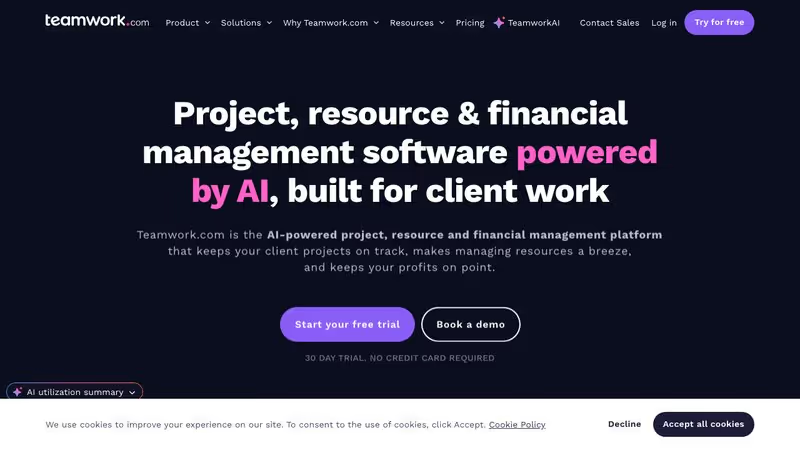
Teamwork has been going after agencies hard, and it's one of the few mainstream PM tools that actually gets how agencies work. Built-in time tracking, budgeting, and a client portal that lets you share projects without exposing internal conversations.
Best for: Mid-size creative agencies (10+ people) wanting PM and client collaboration in one place.
Key features for creative agencies:
- Client portal available on Grow plans and above, so clients can view project progress without seeing internal work
- Time tracking and budgeting built in, not bolted on
- Retainer management (beta, available on Scale plans) for tracking monthly hours against retainer agreements
- Task templates for repeatable creative workflows like brand identity projects or campaign rollouts
Pricing: Free (5 users), Deliver at $13.99/user/mo, Grow at $25.99/user/mo, Scale at $69.99/user/mo.
Pros:
- Client portal is useful and saves you from managing a separate client communication layer
- Time tracking integrates directly with tasks so billable hours tie to actual work
- Built with agencies in mind, not retrofitted from a product management tool
- Solid template system for repeatable creative project types
Cons:
- Gets expensive quickly at per-seat pricing, a 10-person agency on Grow is paying $260/mo
- Retainer management is still in beta and only available on the highest-tier plan
- Client portal requires Grow ($25.99/user/mo), which is a steep entry point
- Interface can feel cluttered once you have multiple client projects active
ClickUp
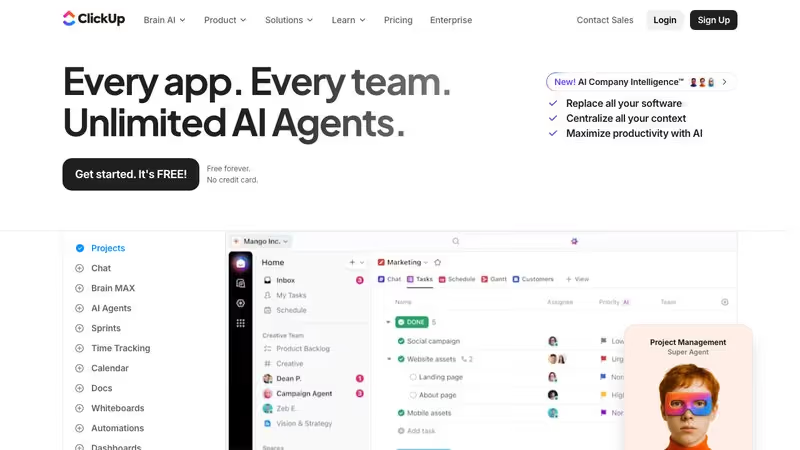
ClickUp tries to be everything at once. It can do nearly anything you want, but you're going to pay for that flexibility in setup time. For creative agencies, the upside is you can build custom workflows that map exactly to your creative process. The downside is you'll spend a lot of time building them.
Best for: Creative teams that love customizing tools and want one platform for everything.
Key features for creative agencies:
- Custom views (list, board, calendar, Gantt, timeline, whiteboard) let you visualize creative work however you think
- Built-in docs and whiteboards for creative briefs and brainstorming
- Time tracking included on all paid plans
- Custom fields and statuses for tracking revision rounds, asset types, or creative phases
Pricing: Free Forever, Unlimited at $7/user/mo, Business at $12/user/mo, Enterprise (custom).
Pros:
- Most affordable paid option per user at $7/mo for Unlimited
- Extreme flexibility means you can build workflows tailored to exactly how your creative team works
- Built-in docs reduce the need for separate tools for creative briefs
- Whiteboards work well for creative brainstorming sessions
Cons:
- No native client portal, so you need workarounds (guest access or links) to share work with clients
- The sheer number of features creates a steep learning curve, especially for smaller teams
- Performance can lag with complex workspace setups
- Requires significant upfront investment in configuration before it becomes useful
Monday.com
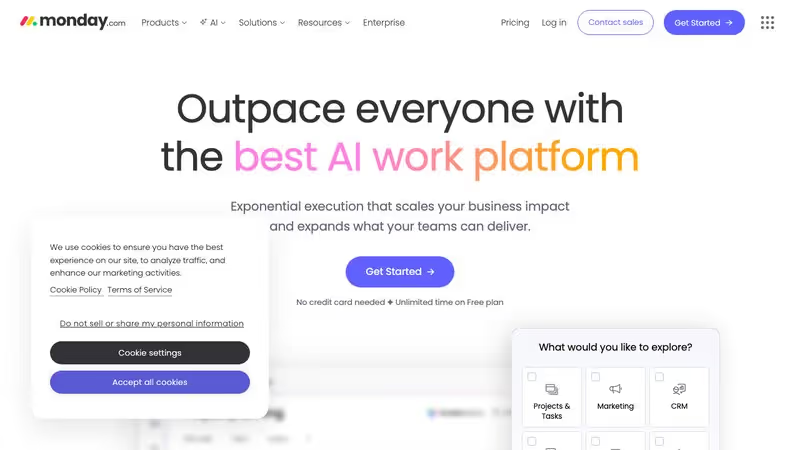
Monday.com is the visual PM tool. If your creative team thinks in color-coded boards and visual workflows, Monday will feel intuitive from day one. The automations are powerful, and the marketing-specific templates can save real setup time. But it lacks creative-specific features like proofing or asset management.
Best for: Visual thinkers running marketing-adjacent creative agencies.
Key features for creative agencies:
- Highly visual boards with color coding, progress bars, and custom columns
- Automations that reduce tedious status updates and handoffs between team members
- Marketing-specific templates for creative campaigns, content calendars, and design workflows
- Integrations with tools like Adobe Creative Cloud, Figma, and Google Workspace
Pricing: Individual (free, limited to 2 seats), Basic at $12/seat/mo, Standard at $14/seat/mo, Pro at $27/seat/mo, Enterprise (custom).
Pros:
- Most visually intuitive PM tool available, minimal training needed for creative team members
- Automations save real time on repetitive workflow steps
- Strong integration ecosystem with creative tools
- Dashboard view gives leadership a quick snapshot across all client projects
Cons:
- No native client portal for external collaboration
- No creative proofing or asset markup features
- Pricing jumps make it expensive for larger teams, especially on Pro
- "Everything is a board" philosophy can feel limiting for complex creative workflows
Asana
Asana is solid. Not exciting, but it works and it doesn't fight you. It excels at structured task management and is particularly good for agencies where creative work follows predictable processes. Portfolios and workload management help studio leaders see capacity across the team, which matters when you're juggling multiple client projects.
Best for: Creative agencies with structured, repeatable workflows and larger teams.
Key features for creative agencies:
- Portfolios for tracking multiple client projects from a single dashboard
- Workload view showing team capacity across projects, helpful for resource planning
- Custom rules and automations for moving work between creative stages
- Forms for intake of client requests and creative briefs
Pricing: Personal (free), Starter at $13.49/user/mo, Advanced at $30.49/user/mo, Enterprise (custom).
Pros:
- Clean, uncluttered interface that doesn't overwhelm creative team members
- Portfolios and workload management actually help with studio operations
- Strong mobile app for reviewing work on the go
- Reliable and stable; it just works without fighting you
Cons:
- No native client portal
- No creative proofing features
- Can feel rigid for agencies with fluid, non-linear creative processes
- The jump from Starter to Advanced ($13.49 to $30.49/user/mo) is steep for access to features like workload management
Basecamp
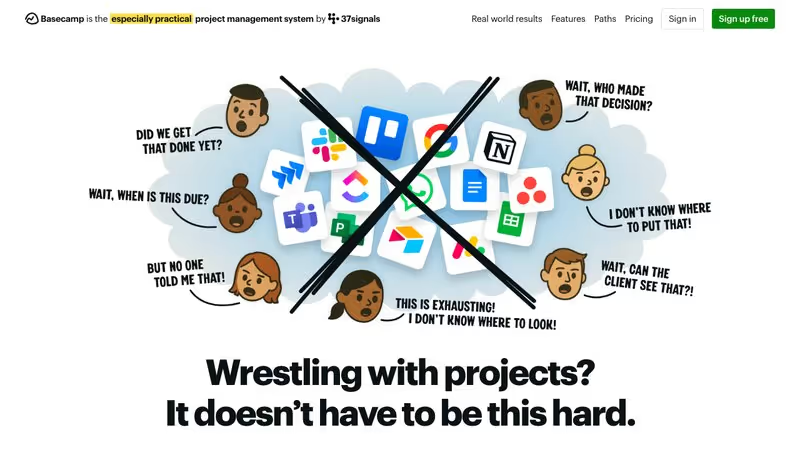
Basecamp goes the other direction from feature-bloated PM tools. It does fewer things, but it does them simply. Message boards, to-do lists, schedules, document storage, and group chat. That's basically it. And for a lot of small creative agencies, that simplicity is exactly the point.
Best for: Small creative agencies that want simplicity above all else.
Key features for creative agencies:
- Client access built right in, no add-on or higher tier required; add clients to projects with controlled visibility
- Message boards keep creative discussions organized by topic instead of lost in Slack threads
- File storage and sharing within projects
- Hill charts offer a unique visual way to track creative project progress
Pricing: $15/user/mo flat. One plan. No tiers.
Pros:
- Dead simple to use, minimal onboarding needed for creative team members or clients
- Client access included in the base price with no extra cost
- Flat pricing model is easy to understand and budget for
- Forces focus by keeping features minimal, which some creative teams actually prefer
Cons:
- No built-in time tracking at all, you'll need a separate tool
- No creative proofing or asset markup capabilities
- Limited customization and workflow automation
- Can feel too simple for agencies running complex, multi-phase creative projects
Notion
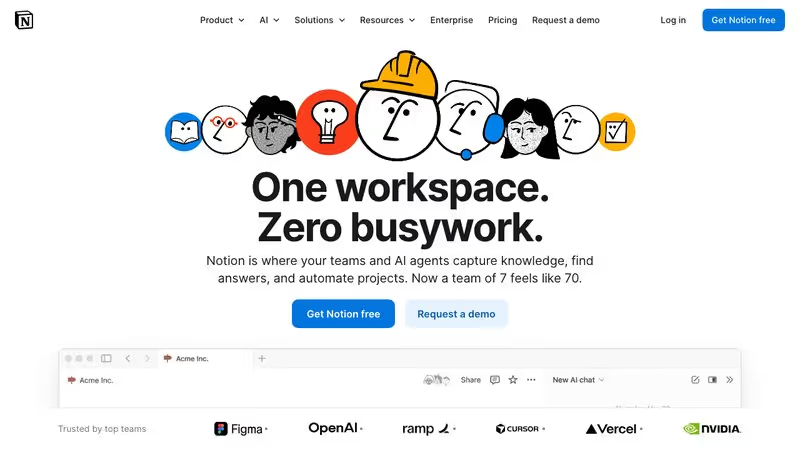
Notion is a workspace, not a project management tool. You can absolutely build a creative agency PM system in Notion, and plenty of agencies have. But "can" and "should" are different questions. You'll spend significant time setting up databases, templates, and relations before you have anything functional.
Best for: Small creative teams that want documentation, knowledge management, and light PM in one place.
Key features for creative agencies:
- Databases that can track projects, clients, assets, and deliverables with custom properties
- Templates for creative briefs, project proposals, and client documentation
- Wiki-style knowledge base for brand guidelines, process documentation, and team info
- Flexible enough to build almost any workflow, if you invest the setup time
Pricing: Free, Plus at $10/user/mo, Business at $18/user/mo.
Pros:
- Beautifully flexible; you can build a system that matches your exact creative workflow
- Excellent for maintaining documentation alongside project management
- Affordable compared to dedicated PM tools
- Strong community with pre-built templates for agency workflows
Cons:
- No native client portal, sharing with external clients requires workarounds
- Requires heavy upfront configuration, it's essentially a blank canvas
- No built-in time tracking
- Not a real PM tool; lacks features like workload management, resource planning, and automations that dedicated PM tools offer
- Performance can degrade with large databases
Wrike
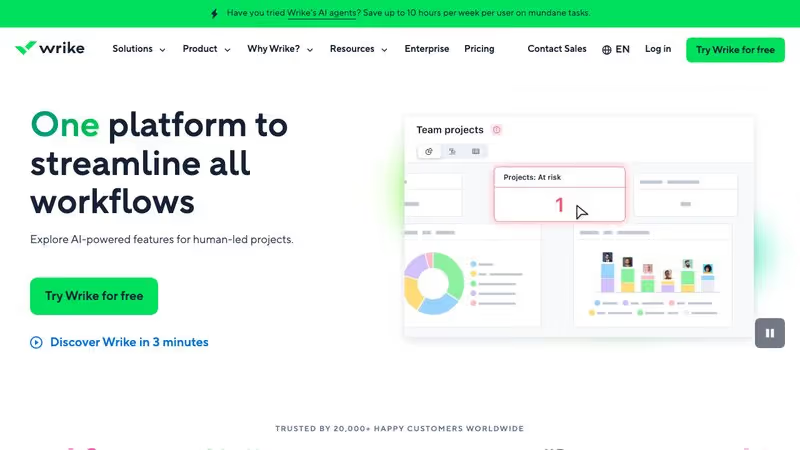
Wrike is the enterprise-grade option on this list, and for larger creative teams, its proofing features alone might justify the price. You can upload creative assets (images, videos, PDFs) and clients or team members can mark up directly on the file with visual annotations. For agencies drowning in email feedback about "the thing on the left side," this is a real solution.
Best for: Larger creative agencies (15+ people) that need visual proofing and enterprise-level resource management.
Key features for creative agencies:
- Visual proofing with markup directly on creative assets (images, videos, PDFs, HTML)
- Resource management and workload visualization
- Custom request forms for standardizing creative brief intake
- Cross-tagging that lets tasks live in multiple projects simultaneously, useful for shared creative resources
Pricing: Free (limited), Team at $10/user/mo, Business at $24.80/user/mo, Enterprise (custom).
Pros:
- Proofing is the best native solution of any PM tool on this list for creative review
- Resource management helps larger teams balance workload across client projects
- Cross-tagging is useful when one designer works across multiple clients
- Custom request forms help standardize messy creative brief processes
Cons:
- Interface feels heavier and more complex than most options here
- Proofing is locked behind higher-tier plans
- Overkill for agencies under 10 people
- Per-user pricing adds up quickly at enterprise scale
Productive.io
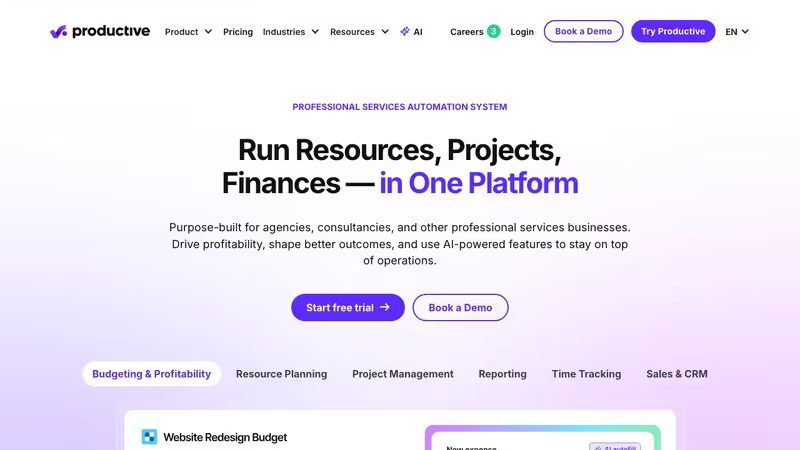
Productive was built for agencies from day one. It handles resource planning, project budgeting, and profitability tracking at a level that most PM tools don't even attempt. If you're running a creative agency and you care about the business side (margins, utilization rates, project profitability), Productive is worth a serious look.
Best for: Creative agencies focused on profitability tracking and resource utilization.
Key features for creative agencies:
- Resource planning across team members and projects with utilization tracking
- Budget management with real-time cost tracking against project budgets
- Profitability dashboards that show revenue vs. cost by client, project, or team member
- Time tracking tied to projects with billable/non-billable categorization
- Sales pipeline tracking (CRM-like) from lead to active project
Pricing: Essential at $11/user/mo, Professional at $28/user/mo, Ultimate (custom).
Pros:
- Best financial visibility of any tool on this list; you'll actually know which clients and project types are profitable
- Resource planning that accounts for creative team availability and allocation
- Built specifically for agency business models, not retrofitted
- Time tracking connects directly to profitability data
Cons:
- No client portal for external-facing collaboration
- Higher learning curve than simpler tools; this is a full PSA platform, not lightweight PM
- Can feel like overkill for agencies under 5 people who need task management, not financial modeling
- Proofing and creative-specific features are limited compared to Wrike
Sagely
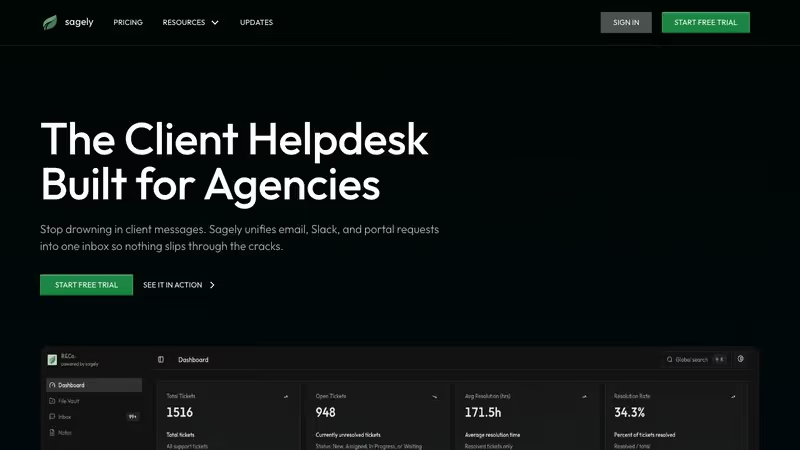
Sagely takes a completely different approach. Instead of starting with project management and adding client communication, it starts with client communication and builds work management around it. It's an agency client management platform, a multi-client helpdesk that unifies everything coming in from clients (Slack messages, emails, portal requests) into one inbox, with time tracking and retainer management attached.
Best for: Creative agencies whose biggest pain point is managing client communication, not internal creative process.
Key features for creative agencies:
- Unified inbox pulls in client requests from Slack, email, and a self-serve client portal
- Retainer management with overage alerts, so you know when a client has burned through their monthly hours
- Time tracking tied directly to client tickets
- One-time-password client portal where clients can submit requests, view progress, and access shared files
- File vault for organizing deliverables and assets tied to client work
- Flat pricing, not per-seat, so your cost doesn't scale with team size
Pricing: Solo at $14.99/mo, Freelancer at $29/mo, Agency at $79/mo. All flat per-plan pricing, not per-seat.
Pros:
- Only tool here built specifically for agency client work rather than internal project management
- Flat pricing is refreshing. An agency of 10 people pays $79/mo, not $79 per person
- Client portal solves the "where do I send my feedback" problem that plagues creative agencies
- Retainer tracking prevents the spreadsheet tax of manually calculating hours remaining
Cons:
- Not a full PM tool; if you need Gantt charts, resource planning, or workload management, you'll need something else alongside it
- Smaller and newer platform compared to established players
- Creative proofing isn't a core feature; you won't get visual markup on assets
- Best suited for the client-facing side of agency work, not internal creative workflow management
Quick picks: best creative project management software by need
Best for solo designers and freelancers: Basecamp or Sagely. Basecamp keeps it simple, Sagely adds client communication management. Both are affordable for a one-person operation, and neither punishes you with per-seat pricing (Basecamp is $15/mo for one user, Sagely starts at $14.99/mo flat).
Best for 5 to 15 person studios: Teamwork or Productive.io. Teamwork if client collaboration is your priority. Productive if you care more about tracking agency profitability and resource utilization. Both were built with agencies in mind.
Best for client collaboration: Teamwork, Basecamp, or Sagely. All three have native client-facing features. Teamwork gives you a full client portal at Grow tier. Basecamp includes client access on every plan. Sagely unifies all client communication into one inbox.
Best for creative proofing: Wrike. Full stop. No other tool on this list offers native visual markup on creative assets. If your biggest pain point is collecting client feedback on designs and videos, Wrike is the answer.
How to choose the right tool for your creative agency
Forget feature comparison spreadsheets for a minute. Here's a practical framework for making this decision:
Start with your biggest creative project management pain point. Be honest about what's actually causing problems. Is it internal task management? Client communication? Financial visibility? Creative review cycles? The answer narrows your list immediately.
Count your people. Per-seat pricing changes the math dramatically. A 10-person team on Asana Advanced pays $304.90/mo. The same team on Sagely pays $79/mo. Make sure you're comparing actual costs at your team size, not just headline prices.
Think about your clients. Do clients need to see project status? Submit requests through a portal? Review and approve creative work? If client-facing features matter, you're looking at Teamwork, Basecamp, or Sagely. Everything else requires workarounds.
Be realistic about setup time. ClickUp and Notion give you maximum flexibility, but you'll invest days or weeks configuring them. Basecamp works out of the box in an hour. Know your team's appetite for configuration.
Consider what you're already using. If your team lives in Slack, a tool with native Slack integration (like Sagely) will get adopted faster. If you're deep in the Adobe ecosystem, check integration support before committing.
Don't over-buy. A 3-person design studio doesn't need enterprise resource planning. Start with what solves your current problems. You can always upgrade or switch later. The cost of switching PM tools is real, but the cost of paying for features you don't use is just as real.
FAQ
What is the best project management software for creative agencies?
There's no single "best" option because creative agencies have different priorities. For client collaboration, Teamwork and Sagely are your best options. For creative proofing, Wrike is the clear leader. For financial tracking and profitability, Productive.io was built for that. For simplicity, Basecamp is hard to beat. Start with your biggest pain point and choose accordingly.
How do creative agencies manage projects?
Most creative agencies manage projects through a combination of creative agency project management software and communication tools, not a single app. The typical setup involves a PM tool for task tracking, a communication tool (Slack or email), a file storage platform (Google Drive, Dropbox, or similar), and potentially a separate tool for time tracking and invoicing. The best setups integrate these pieces so information isn't scattered across platforms. Many agencies are moving toward unified tools that combine several of these functions to reduce context switching.
What project management tools do creative agencies use?
The most commonly used tools among creative agencies include Asana, Monday.com, ClickUp, and Basecamp for general project management. Larger agencies often use Teamwork or Wrike for their agency-specific features. Some agencies use Notion as a flexible workspace, though it requires significant setup. Agency-specific platforms like Productive.io and Sagely are getting picked up by teams that want tools built for service businesses rather than adapted from product development.
Do creative agencies need specialized PM software?
Not necessarily, but it helps. Generic PM tools work fine for internal task management. Where they fall short is the agency-specific stuff: client communication, retainer tracking, billing tied to project phases, and client-facing portals. A small agency with a few clients can get by with Asana and manual time tracking. But once you're managing five or more retainer clients with active creative work, the gaps in generic tools start costing you real time and money.
How much does creative agency project management software cost?
Costs range widely. Free tiers exist for most tools but are limited. Budget $7 to $30 per user per month for most options. For a 10-person creative agency, expect to pay $70 to $300+ per month depending on the tool and plan tier. Flat-rate options like Sagely ($79/mo for a team plan) break the per-seat model, which can be significantly cheaper for larger teams. Factor in the hidden cost of tools you'll still need alongside your PM software, like time tracking, invoicing, or client communication apps.
Can I use free project management software for my creative agency?
You can, but with limitations. ClickUp's free plan is surprisingly capable for basic task management. Monday.com and Asana offer free tiers for small teams. But free plans typically lack the features creative agencies need most: client portals, advanced time tracking, proofing, and resource management. If you're a solo freelancer or a team of two, free plans may work fine. Beyond that, you'll likely hit walls that cost you more in lost efficiency than the subscription would.
What's the difference between agency PM software and regular PM software?
Regular PM software is built for teams managing internal projects: software development, product launches, operational workflows. Agency PM software accounts for the reality that you're managing work across multiple external clients simultaneously. That means features like client portals, retainer tracking, multi-client views, billable time tracking, and keeping internal communication separate from client-facing updates. The broader guide to agency project management covers this distinction in detail.
What does a creative agency project management process look like in practice?
A typical creative agency workflow moves through four stages: brief intake, concept development, production, and client approval. Each stage needs different tracking. Brief intake requires a structured form so the right information gets collected upfront. Concept and production stages need version control so the right asset gets to the right person. Client approval needs a formal sign-off mechanism, not an email chain. The gap most PM tools leave is the approval layer: they track tasks but don't create a proper record of what was approved, by whom, and when.
Do creative agencies need a separate calendar tool for project management?
Not if the PM tool has timeline or Gantt views built in. Teamwork, Asana, Monday.com, and ClickUp all include calendar or timeline views that show deadlines across projects. The exception is agencies running complex multi-client schedules where a dedicated calendar with client-level filtering helps. Most agencies manage fine with what their PM tool offers, supplemented by shared calendars (Google Calendar or Outlook) for meetings and milestones.
What is advertising agency software and how does it differ from creative PM tools?
Advertising agency software typically covers ad ops workflows: campaign trafficking, media buying, ad delivery, and performance reporting. Creative agency PM tools focus on the production side: briefs, asset delivery, revision cycles, and client approvals. Some tools overlap (Teamwork and Monday.com work for both), but agencies managing paid media campaigns will often need a separate layer on top of a standard creative PM setup.
Find the right creative agency project management software
If you've read this far, you're probably feeling the pain of a creative workflow that's outgrown your current setup. That's a good sign. It means your agency is growing.
Pick one tool from this list. Try it for two weeks with a real client project. If it doesn't fit, try the next one. The worst outcome isn't picking the wrong tool. It's staying stuck in the chaos of scattered Slack messages, email threads, and the spreadsheet you promised yourself you'd update last Friday.
If managing client communication is your core challenge (and for most creative agencies it is), try Sagely free for 14 days and see if it fits how your team actually works.