


Creative agencies produce more back-and-forth per project than any other agency type. And it's not even close.
A strategy shop delivers a deck. A dev agency ships code. But when you're producing brand identities, campaign visuals, packaging, video, motion graphics, or any kind of design work, every deliverable goes through rounds of subjective feedback from people who often can't articulate what they want.
I've run creative projects where the first draft was excellent. Exactly what the brief asked for. And then the client's VP of Marketing pulled in their CEO, who pulled in their spouse, who "has a really good eye." Four revision rounds later, we'd circled back to something almost identical to v1. The files were scattered across email threads, Slack DMs, and a Google Drive folder with names like "Logo_FINAL_v3_ACTUAL_FINAL.ai."
That scenario isn't hypothetical — it's a Tuesday.
A client portal for creative agencies centralizes file delivery with version control, visual feedback with inline annotation, structured approval workflows, and creative brief tracking in one place, eliminating the version confusion, scattered feedback, and "can you resend that file?" emails that eat into margins on every project.
A creative agency client portal isn't just a nice-to-have communication layer. It's the thing that prevents your team from losing hours to version confusion, feedback chaos, and the slow death of "can you send that file again?" And finding one that actually handles how creative work moves is harder than it sounds, because most portal software was built for task delivery, not visual collaboration.
Why creative agencies have unique portal needs
Creative agencies need portals that support visual markup and annotation on design files, version control across dozens of file iterations, and structured approval workflows that track who signed off on what and when.
Every agency type has its complications. But creative agencies deal with a specific cocktail of problems that generic portals don't solve well.
Visual assets need visual feedback
When you deliver a website wireframe, a social media campaign, or a brand guidelines document, the client needs to see it and react to it visually. "I don't like the blue" is more useful when the client can circle the specific blue they're talking about.
Most portal software handles file uploads fine. Attach a PDF, send a link, done. But creative work needs more than file storage. It needs inline annotation, side-by-side version comparison, and the ability to mark up a design the way you'd mark up a printed proof with a red pen. Without those features, feedback arrives in disconnected emails full of vague descriptions. "The thing on the left, can you make it pop more?" is not actionable feedback. But it's what you get when your tools don't support visual markup.
Version control is a real problem
Creative projects generate an absurd number of file versions. A logo project might produce 30 or 40 files across concepts, revisions, and format exports. A campaign with multiple deliverables (social ads, banner ads, landing page mockups, email headers) can easily hit triple digits.
When those files live in shared folders or email attachments, nobody knows which version is current. Your designer uploads the approved logo to the shared drive, but the client's marketing coordinator is still using the version from three rounds ago because that's the one they saved to their desktop.
A portal with proper version control doesn't just store files. It establishes a single source of truth. The latest approved version is the one in the portal. Everything else is history.
Approval workflows need structure
Creative work lives and dies by approvals. And creative approvals are uniquely messy because they involve subjective judgment from multiple stakeholders who often disagree with each other.
Here's a pattern I've seen dozens of times: you send a design for review. The marketing manager approves it. Then the brand director sees it and wants changes. You make the changes, the brand director approves, and then the CMO weighs in with a completely different direction. Nobody documented who approved what, there's no record of which feedback was addressed, and your team is now rebuilding something that was "approved" twice.
A portal with a structured approval workflow solves this. Each stakeholder reviews and signs off (or requests changes) in sequence or parallel, and there's a clear record of who said what. That paper trail isn't bureaucracy. It's protection.
The "where's the latest version?" problem
The biggest time sink in creative agency operations is answering questions about file locations and versions. A portal solves this by being the single canonical location for approved deliverables.
This deserves its own section because it's the single biggest time sink in creative agency operations.
I once tracked how much time my team spent answering questions about file locations and versions over a two-week period. The number was embarrassing. Over 8 hours across the team. That's a full working day lost to "which file is the right one?" and "can you resend the final version?"
The problem has a few layers:
Naming conventions break down. Every agency starts with a naming system. And every agency watches it fall apart by month three. Clients don't follow your conventions. Freelancers have their own systems. And "final" stops meaning anything after the second round of post-approval tweaks.
Email is where files go to die. Creative clients love sending feedback and files via email. The problem is that email is linear and unsearchable in the ways that matter. Finding the approved version of a social ad from two months ago means scrolling through a thread with 47 replies and 12 attachments.
Multiple tools, no single source. Your designers work in Figma. Your video team uses Premiere. Your illustrators are in Illustrator. The client reviews happen in email or Google Docs. And the "final" files live in Google Drive. Or Dropbox. Or both. There's no single place where anyone can go and confidently say "this is the latest approved version."
A creative agency client portal solves this by being the canonical location for deliverables. Not where the work happens (that's still Figma, Photoshop, After Effects), but where the approved output lives. When the client asks "where's the latest version?", the answer is always the same: it's in the portal.
Creative brief to deliverable in one place
The best creative portals track the full lifecycle of a project, not just the delivery end. That means starting with the brief.
Creative briefs are notoriously bad. Not because agencies write them poorly, but because clients fill them out poorly (or not at all) and the brief that exists at kickoff rarely matches what the client actually wants. The brief evolves through conversations, reference images shared in Slack, offhand comments in meetings, and "oh, one more thing" emails.
If your portal can capture the brief, track how it evolves, and keep it connected to the work it produced, you've solved one of the most painful problems in creative agency work: the disconnect between what was asked for and what was delivered.
When a client says "this isn't what I asked for," you can point to the brief they approved, the revisions they requested, and the final they signed off on. All in one thread. The point isn't winning arguments — it's protecting your team's time and your client's investment.
Integration requirements for creative portals
Creative agencies live in a different tool ecosystem than marketing or SEO shops. Your portal needs to play nicely with the tools your team actually uses.
Figma. The dominant design tool for most creative teams. Your portal should at minimum support linking to Figma files and ideally display previews without requiring clients to have Figma accounts. Clients shouldn't need to learn your design tools to review your work.
Adobe Creative Cloud. Photoshop, Illustrator, InDesign, After Effects, Premiere. The Adobe suite still dominates production work. Your portal needs to handle the variety of file types these tools produce (.psd, .ai, .indd, .aep, .prproj) even if it's just clean file delivery rather than inline preview.
Canva. More agencies use Canva than will publicly admit it, especially for social content and quick-turn deliverables. If your team uses Canva for certain workstreams, your portal should support those exports.
Google Drive and Dropbox. Most creative agencies already have client folders in one or both. Your portal should either replace these (ideal) or integrate with them so files sync automatically. Running a portal alongside a separate shared drive is double the maintenance and double the confusion.
Video hosting. If you produce video, clients need to watch proofs without downloading 2GB files. Some portals handle video playback and annotation natively. Others rely on third-party tools like Frame.io. If video is a core offering, this feature isn't optional.
The honest truth: no single portal integrates deeply with all of these. You'll make compromises. The question is which compromises you can live with based on what your agency produces most.
Portal options for creative agencies
Here's an honest assessment of what works for creative shops. I'm not going to pretend every tool is perfect because none of them are.
ManyRequests
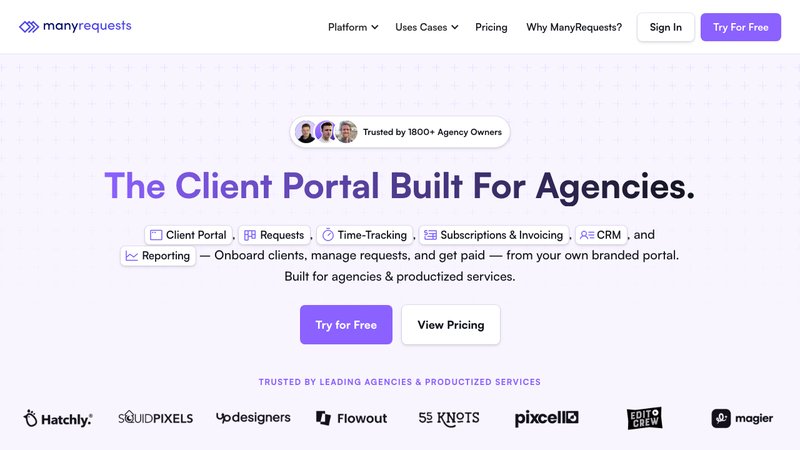
ManyRequests was originally built for design agencies, and it shows. The built-in design and video proofing tools are genuinely useful. Clients can leave feedback directly on visual assets, which eliminates the "can you be more specific about what you don't like?" conversation. The queue-based view works well for productized creative services (logo packages, social media bundles, ongoing design retainers).
The downside is cost. At $59-99/month per seat, a 5-person creative team is looking at $300-500/month before anything else. That math works for agencies with healthy margins and high-volume creative output. It's harder to justify for smaller shops.
Best for: Design-first agencies doing high-volume creative work with structured revision workflows. Especially strong for productized creative services.
Agency Handy
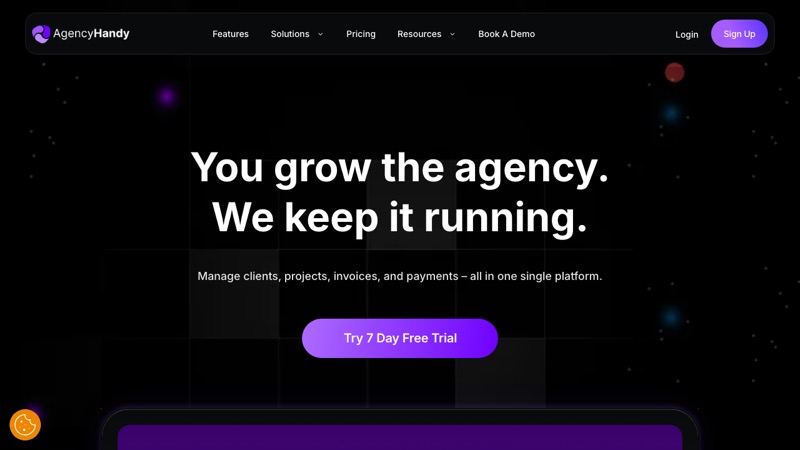
Agency Handy offers file feedback and approval features with a focus on productized service delivery. If your creative agency sells defined packages (brand identity, social media sets, monthly design retainers), the service catalog and order flow are well thought out. Pricing is more accessible at $19-139/month.
The creative-specific features aren't as deep as ManyRequests. You get file feedback, but not the visual annotation tools that make design reviews efficient. It's a good middle ground for agencies that do creative work alongside other services.
Best for: Creative agencies with defined service packages who want an affordable all-in-one with decent file management.
Teamwork
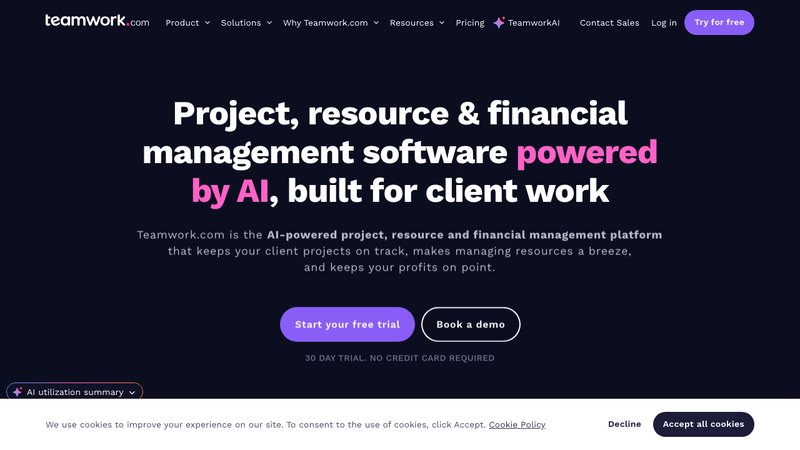
Teamwork includes a Proofs feature that allows visual annotation on images, PDFs, and videos. Depending on your tier, you get 5 to unlimited proofs per month. It's a mature platform with strong project management underneath, so if your creative agency also needs solid task management and time tracking, Teamwork covers both.
At $10.99-19.99/user/month, the per-user pricing is reasonable for small teams but scales up as you grow. The proofing feature isn't as polished as dedicated tools, but it's good enough for most review workflows.
Best for: Creative agencies that want proofing built into a full project management suite rather than a standalone portal.
Wayfront
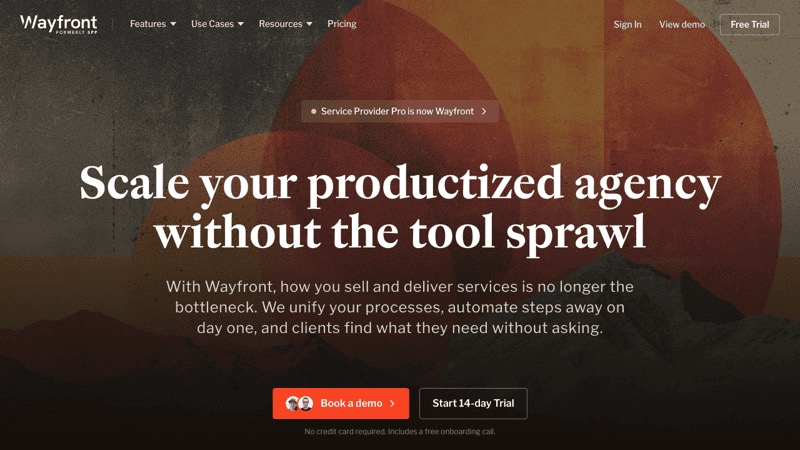
Wayfront targets productized service agencies and supports video editing workflows specifically. Pricing runs $99-249/month. If your creative agency specializes in video production or post-production, it's worth evaluating. The scope is narrower than other options, so make sure your full workflow fits before committing.
Best for: Video-focused creative agencies running productized editing or production services.
Sagely
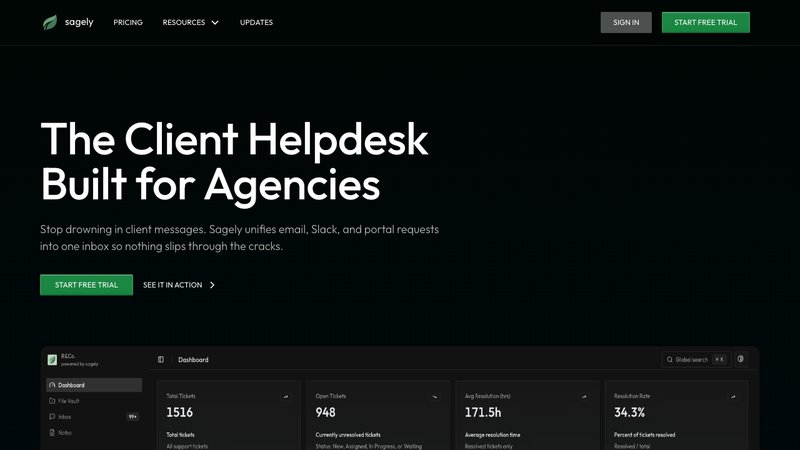
I'll be straightforward here: Sagely has solid file sharing, request tracking, and the omni-channel inbox is excellent for consolidating client communication. The OTP-gated portal is frictionless for clients. Flat pricing at $14.99-79/month makes it affordable regardless of team size.
But if your primary need is visual proofing and design markup, Sagely isn't the best fit today. It doesn't have annotation or inline feedback on visual assets. For creative agencies where design review is the core workflow, you'll want a tool with native proofing. For creative agencies where communication, file delivery, and retainer management matter more than visual proofing, Sagely does those things well.
Best for: Creative agencies that need strong client communication and file delivery but handle proofing outside the portal (in Figma, Frame.io, or similar).
For a detailed comparison of all portal options, see our full client portal software comparison.
Making your portal work for creative clients
Setting up a portal is the easy part. Getting creative clients to actually use it instead of emailing you files and feedback is the real challenge.
Introduce it at project kickoff, not mid-project. Asking a client to switch to a new tool halfway through a rebrand is a guaranteed way to get ignored. Start every new engagement with a portal walkthrough.
Make it the only source for approved files. If clients can also find files in email, Google Drive, and Slack, the portal becomes optional. Make it the canonical location. When someone asks for a file, point them to the portal. Every time.
Set feedback expectations. Tell clients upfront: "All design feedback goes through the portal. That way nothing gets lost and your revisions happen faster." Framing it as faster service for them (which it is) gets more buy-in than framing it as your internal process.
Keep it clean. Creative clients are often visual people. A cluttered, confusing portal is a worse experience for them than for most other client types. Use clear project names, keep the file structure simple, and archive completed work so the active view stays manageable.
For more on building a client portal strategy that fits your agency, check out our complete guide to client portals for agencies.
FAQ
What should a creative agency client portal include?
A creative agency client portal should handle file delivery with version control, feedback and approval workflows for visual assets, creative brief tracking, and client communication. Visual proofing (annotation on images, PDFs, and video) is highly useful for design-heavy agencies. Integration with design tools like Figma and Adobe Creative Cloud reduces friction for both your team and clients.
How is a creative agency portal different from a regular file sharing tool?
File sharing tools like Google Drive or Dropbox store files but don't support review workflows. A creative agency client portal adds structured approvals, version tracking, feedback on visual assets, and a record of who approved what and when. That approval trail prevents the revision chaos that eats creative agency margins.
Do creative agencies need visual proofing in their portal?
For most creative agencies, yes. Without visual proofing, feedback arrives via email in vague descriptions your team has to interpret. Proofing tools let clients mark up specific areas of a design, reducing miscommunication and cutting revision rounds. If you handle proofing in Figma or Frame.io, you can use a portal without built-in proofing for everything else.
What's the biggest mistake creative agencies make with client portals?
Running the portal alongside every other communication channel instead of making it the single source of truth. If clients can still email files, send feedback over Slack, and find deliverables in a shared Google Drive, the portal becomes an extra step rather than a simplification. The value comes from consolidation. One place for briefs, feedback, approvals, and final files.