


"White label" gets thrown around in a lot of software marketing. A platform slaps "white label" in its feature list, and it sounds like your clients will have a seamless experience that looks entirely like your agency.
Then you actually set it up, and your clients are logging into vendor.com/your-agency-name, getting emails from noreply@somevendor.com, and seeing a "Powered by [Vendor]" badge at the bottom of every page.
Miss that gap and you'll be switching tools six months in. For most client portals for agencies, white-labeling falls on a spectrum, and many platforms reserve the most important features for their higher-priced plans. You can technically have white-label on the entry tier, but what you actually get is a logo swap and not much else.
This matters because the portal is a client-facing product. Your clients spend time in it. They receive emails from it. They form impressions of your agency based on how polished the experience is. If they notice the vendor's brand, even once, it chips away at the professionalism you're trying to project. This guide walks through what white-label actually means at each level, what features to prioritize, and how five leading platforms compare.
What Does "White Label" Actually Mean for a Client Portal?
A white label client portal is a client-facing workspace that runs entirely under your agency's brand: your domain, your email notifications, your logo, and no visible trace of the software vendor behind it. White-labeling exists on a spectrum, though, and most platforms advertising white-label capabilities land somewhere in the middle.
- Level 1: Basic branding. A logo and color scheme applied to the portal. Your brand colors, your logo in the header. The URL still belongs to the vendor, and so do the emails. This is the floor, and almost every platform offers it.
- Level 2: Custom domain. Your portal lives at portal.youragency.com instead of youragency.vendorname.com or vendorname.com/youragency. This is a significant step up. From the client's browser bar, the portal looks like something you built. It's the minimum that makes sense for a professional agency.
- Level 3: Branded email notifications. Approval requests, status updates, new messages: all sent from your domain, not noreply@vendor.com. Clients receive a lot of automated emails from the portal over the course of a project. Every one of those touchpoints is either reinforcing your brand or advertising someone else's software.
- Level 4: No vendor watermarks or "Powered by" badges. This is where a lot of platforms start charging more. The "Powered by" badge, the vendor logo in the footer, the "Log in to Vendor" text on the login page. Removing all of it typically requires a higher-tier plan. Some platforms make you pay significantly more just to stop advertising their product to your clients.
- Level 5: Full brand immersion. The login page, the client-facing dashboard, every email, every notification, every PDF export looks like it came from your agency. There's no moment in the client experience where the vendor's name appears. This is genuine white-label.
The distinction matters practically because many tools advertise "white label" while delivering Level 1 or 2 unless you upgrade. Before committing to any platform, walk through the full client experience on the specific plan you intend to buy.
The 5 White-Label Features That Actually Matter
Not all white-label features carry equal weight. Some are visible to clients constantly; others rarely come up. Here's what to prioritize.
- Custom domain. This is the baseline. portal.youragency.com, not youragency.vendorname.com. It affects every URL your clients see, every link you share, every bookmark they save. If a tool doesn't offer this on the entry plan, factor the upgrade cost into your comparison.
- Branded email notifications. Emails about approvals, project updates, and new messages should come from your domain, not a vendor address. Clients see these regularly, often more than they see the portal itself. A notification from hello@youragency.com reads differently than one from noreply@vendorname.com, and clients notice the difference even if they don't say so.
- No vendor watermarks or "Powered by" badges. If clients see the vendor's brand, the portal isn't fully white-labeled. This sounds obvious, but many platforms hide badge removal behind higher plans. Check for it in the footer, the login screen, mobile views, and any PDF or email exports, not just the main dashboard.
- Custom colors and logo throughout. The portal should visually match your agency's brand at every touchpoint: the dashboard, the file upload screens, the approval flows, the client-facing notifications. A logo in the header and vendor branding everywhere else is not a coherent brand experience.
- Branded login and client-facing pages. The login page is the first thing clients interact with. If it says "Log in to VendorName" instead of "Log in to [Your Agency]", that's the first impression your portal is making. A fully white-labeled platform should let you own that page entirely, including the copy, the logo, and any messaging.
White Label Client Portal Comparison (5 Tools)
The table below compares five platforms on their white-label features, which plan those features appear on, and what each tool is best suited for.

ManyRequests
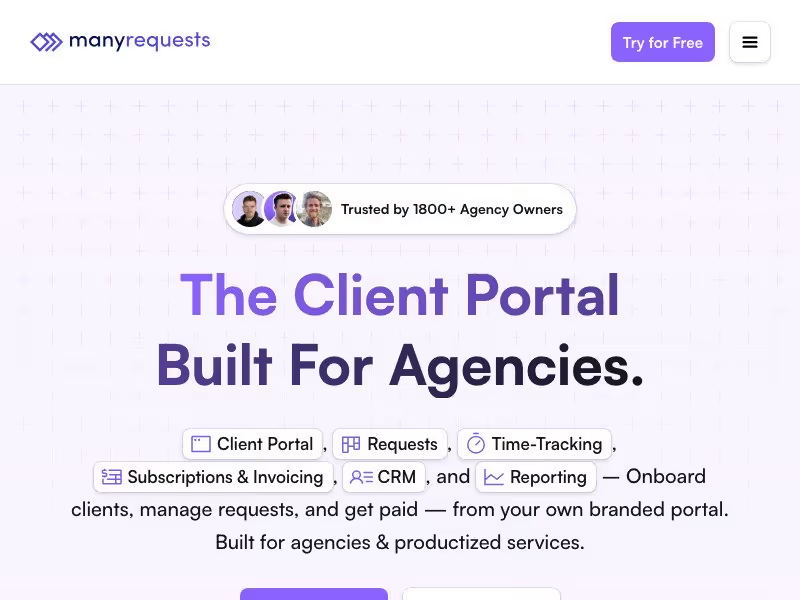
ManyRequests is built for productized service agencies: shops that sell recurring work on subscription or credit-based models. The request management features (queue, kanban, rollover hours, subscription retainers) are genuinely strong for that use case. On the white-label side, custom domains are available on all plans, but full white-label (including "Powered by ManyRequests" badge removal, custom CSS, and full branding) requires the Core plan or above.
Pricing is not publicly listed on their website, which means committing time to a trial or sales call before you even know if the budget works. If your agency runs high-volume recurring work and the economics pan out, the feature set is genuinely well-suited.
SuiteDash

SuiteDash stands out on price: full white-label is available on the START plan at $19/month flat-rate, which includes unlimited users and unlimited clients. That makes it the cheapest entry point for genuine white-label in this comparison. The platform covers a wide surface area (CRM, project management, invoicing, portals, scheduling), which is both its appeal and its challenge.
The feature breadth means a real setup investment before the platform is usable for clients. If you're willing to spend time configuring it, SuiteDash delivers a lot for the price. If you're looking for something you can stand up quickly, factor that learning curve in. If the scope feels like overkill for your team, SuiteDash alternatives covers other options.
Assembly
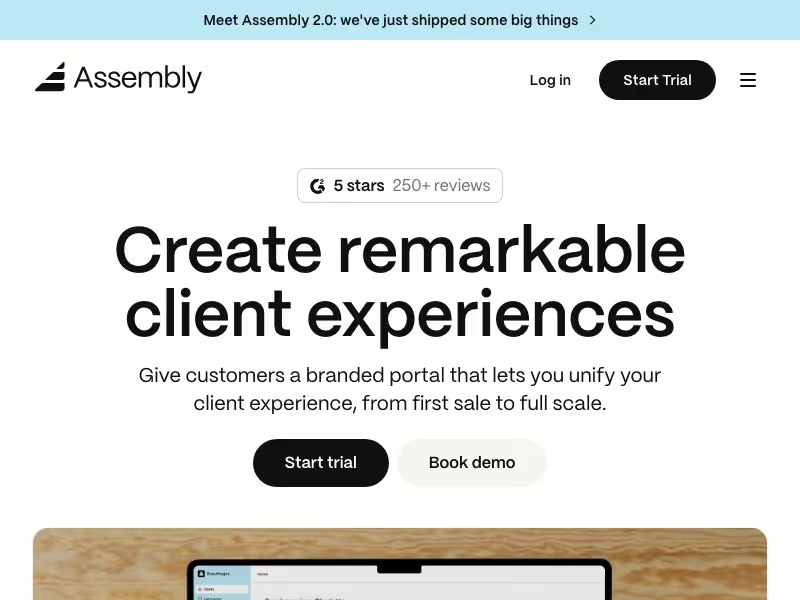
Assembly targets professional services firms that need enterprise-grade security features: HIPAA compliance, SOC2, eSignatures, and an AI copilot built into the platform.
The white-label story is more complicated at the pricing level that most agencies operate. Custom domain and branded email domain appear on Professional and above, but the "Powered by Assembly" badge is only removed on the Advanced plan, which starts at $399/month.
Colour theming is also partial on lower plans, with full theming available on Advanced and above. The jump from Professional to Advanced (the tier required to remove the "Powered by Assembly" badge) is steep enough that it reframes Assembly as enterprise software with agency features, not an agency tool with enterprise optionality. For most sub-$10K/month agencies, the spend makes sense only if compliance requirements are already on the table.
Dubsado
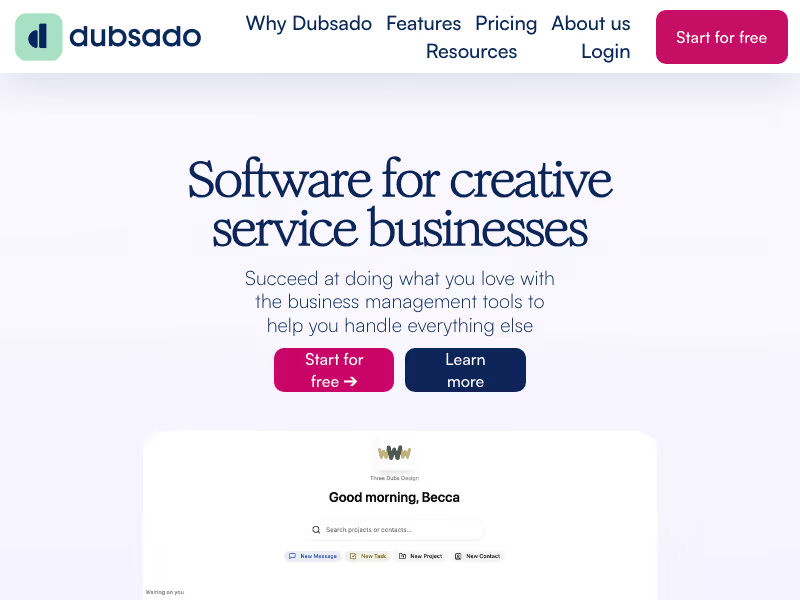
Dubsado is worth addressing here because it comes up in searches for white-label client portals, but it's a different category of tool.
It's a CRM and client workflow platform: proposals, contracts, invoices, lead capture forms, automated workflows. The "portal" is a per-client workspace that works fine for freelancers and small businesses. For agency teams managing multiple clients with shared visibility, it wasn't designed for that use case.
White-label basics (custom domain, branded forms and proposals) are available, but portal theming is limited and the team collaboration layer isn't what you'd need for a full agency setup. If billing, contracts, and CRM in one place is what you need, Dubsado is worth a look. If you need a team-facing client portal, it's the wrong category.
Sagely

Sagely is built specifically for digital, creative, and marketing agencies managing ongoing client relationships. The white-label story is straightforward: full white-label on every plan, no upsell required.
Custom domain (portal.youragency.com), branded email notifications sent from your domain, no Sagely branding visible to clients, custom colors and logo throughout, and a branded login page.
The product is focused on the communication layer: structured feedback, approval workflows, replacing the back-and-forth of email threads and Slack for client-facing work. It's not a billing tool, not a contracts platform, not a CRM pipeline.
If you're already handling invoicing elsewhere, the gap isn't an issue. If you need those features bundled in, you'll need to pair it with other tools. Worth evaluating at getsagely.co.
How to Choose the Right White Label Client Portal for Your Agency
With so many tools, from dedicated client portals to full white label project management software platforms, positioning themselves as white-label solutions, a clear framework makes the decision easier. Work through these four questions before you commit:
- Is white-label gated to a higher plan? This is the first thing to check. Look specifically at custom domain availability, branded email notifications, and badge removal. A tool that costs $19/month with full white-label on entry is a fundamentally different proposition from one that requires $399/month to remove the vendor badge. Map the features you actually need to the plan they actually appear on, then compare prices.
- What do your clients actually see? Walk through the full client experience before you commit to anything. Create a test client account. Log in as that client. Trigger every notification. Check email footers. View the portal on mobile. Check any PDF exports. Some "Powered by" badges appear in places that aren't obvious from the admin side: email footers, mobile headers, export documents. You won't find them unless you look.
- Does it match your agency's workflow? A tool can be fully white-labeled and still wrong for how you work. Productized agencies with high-volume recurring requests will have different needs from retainer-based agencies managing ongoing relationships. Client portal for marketing agencies use cases lean heavily on approvals, feedback rounds, and ongoing communication, so make sure the workflow features match before the branding decisions take over the evaluation.
- What does it NOT do? Every tool in this list has meaningful gaps. Sagely doesn't handle billing. ManyRequests is purpose-built for productized services and may not fit a traditional retainer model. Assembly gets expensive fast. SuiteDash requires real setup time. Dubsado isn't really a team portal. Be specific about what you'll need to pair the portal with (invoicing software, contract tools, a CRM), and factor in whether that's a reasonable setup or a patchwork you'll regret.
Frequently Asked Questions
What is a white label client portal?
A white label client portal is a client-facing platform that agencies deploy under their own brand, with a custom domain, branded emails, and no visible trace of the software vendor. Clients interact with it as if the agency built the product themselves.
What does "white label" mean for software?
White label software is a product built by one company and rebranded by another. For agencies, it means buying an existing platform and presenting it to clients under your own brand, rather than building from scratch.
Which client portal has the best white label features?
For most agencies, Sagely and SuiteDash offer the most complete white-label on entry-level plans. Assembly has more enterprise-grade controls but requires an upgrade to remove their branding.
Do I need a custom domain for a white label client portal?
A custom domain is the baseline for a professional white-label setup. Without it, clients visit a URL that includes the vendor's name, which undermines the branded experience regardless of how polished the portal looks inside.
For agencies managing ongoing client relationships on retainer or project work, the white-label client portal decision comes down to two things: which features actually matter for how your clients interact with the portal, and whether those features are available on a plan that makes financial sense. Sagely covers the full white-label requirement on every plan and keeps the focus tight on the agency-client communication layer. If that's the part of your operation that needs fixing, start with Sagely. For a broader overview of the category, the client portals for agencies hub covers the full landscape of options.